ViewSonic Corporation Confidential - Do Not Copy VA702-1_VA702b-1
33
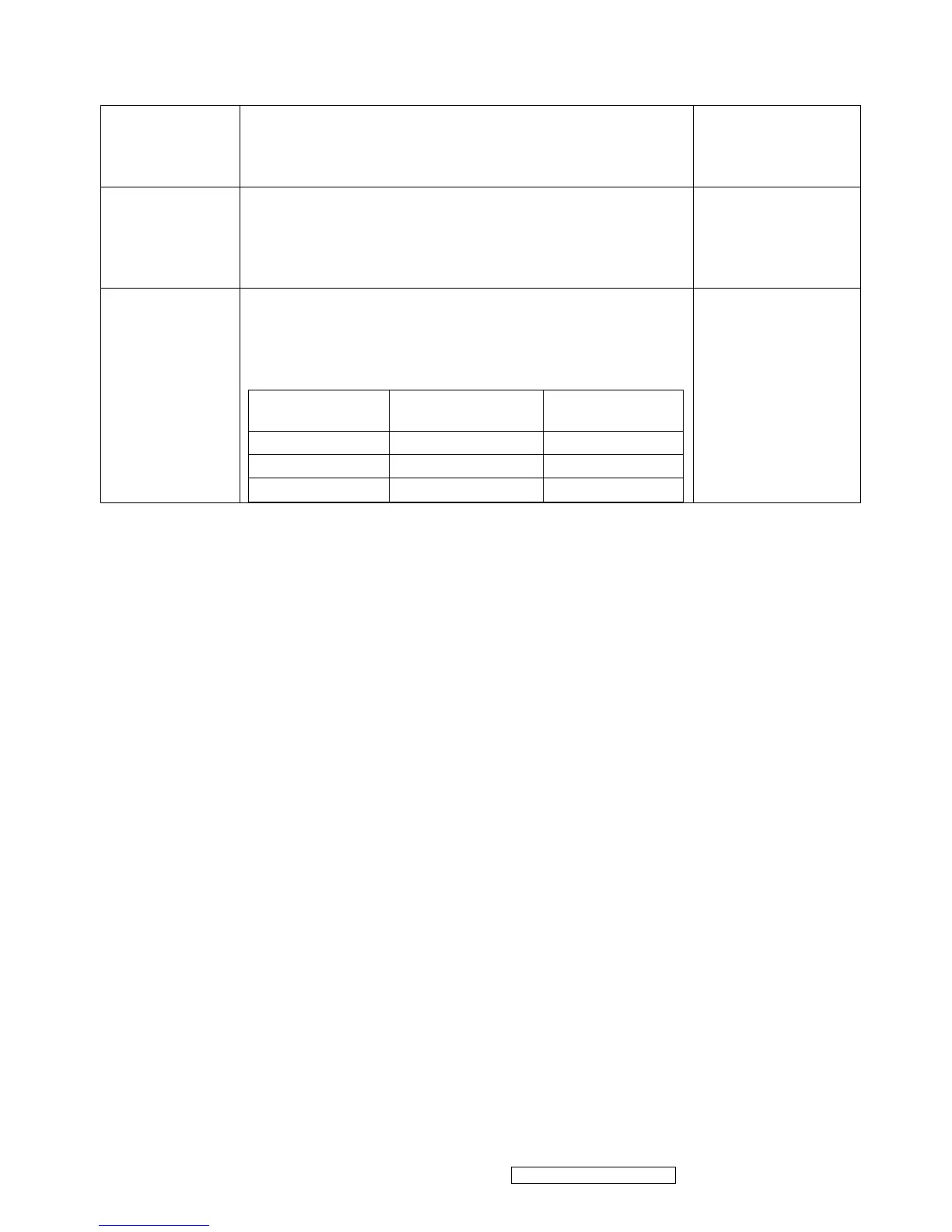
Y measurement
at default setting
1. Set brightness to default value 100 and contrast to default
value 70 at 6500K
2. At full white patter, Measure Y, which should be
250+/-10cd/m² (QDI 220+/- 10cd/m²)
Chroma Signal
Generator and Color
Analyzer
Panel Flicker
check
1. Mode: 1280x1024@60Hz
2. Set Brightness& contrast to default value
3. Do “Auto Image Adjust”
4. Shut down PC to check whether there’s glitter on the center
of the picture.
Equipment::
Chroma Signal
Generator & PC
Power saving
1. Mode: 1280x1024@60Hz
2. Pattern: full white
3. Brightness: Max.
4. Contrast: Default
5. Check power consumption at each modes
State
Power
Consumption
LED color
Normal
<38W
Green
Stand By
<1W
Orange
Power Key Off
<1W
No
Chroma signal
generator and Power
meter
AC input:
230V/50Hz


 To Next Page