ViewSonic Corporation Confidential - Do Not Copy VP930-3_VP930b-3
20
5. Adjustment Procedure
1. Function Test
1.1 Product
- 19” LCD Monitor
1.2 Test Equipment
- Color Video Signal & Pattern (or PC with SXGA resolution and a sound card)
1.3 Test Condition
Before function test and alignment, each LCD Monitor should be run-in and warmed up for at least
30 minutes with the following conditions:
(a) In room temperature,
(b) With full-white screen, RGB, and Black
(c) With cycled display modes,
640*480 (H=43.27kHz, V=85Hz)
800*600 (H=53.7kHz, V=85Hz)
1024*768 (H=68.67kHz, V=85Hz)
1280*1024 (H=79.97kHz, V=75Hz)
1.4 Test Display Modes & Pattern
1.4.1 Compatible Modes
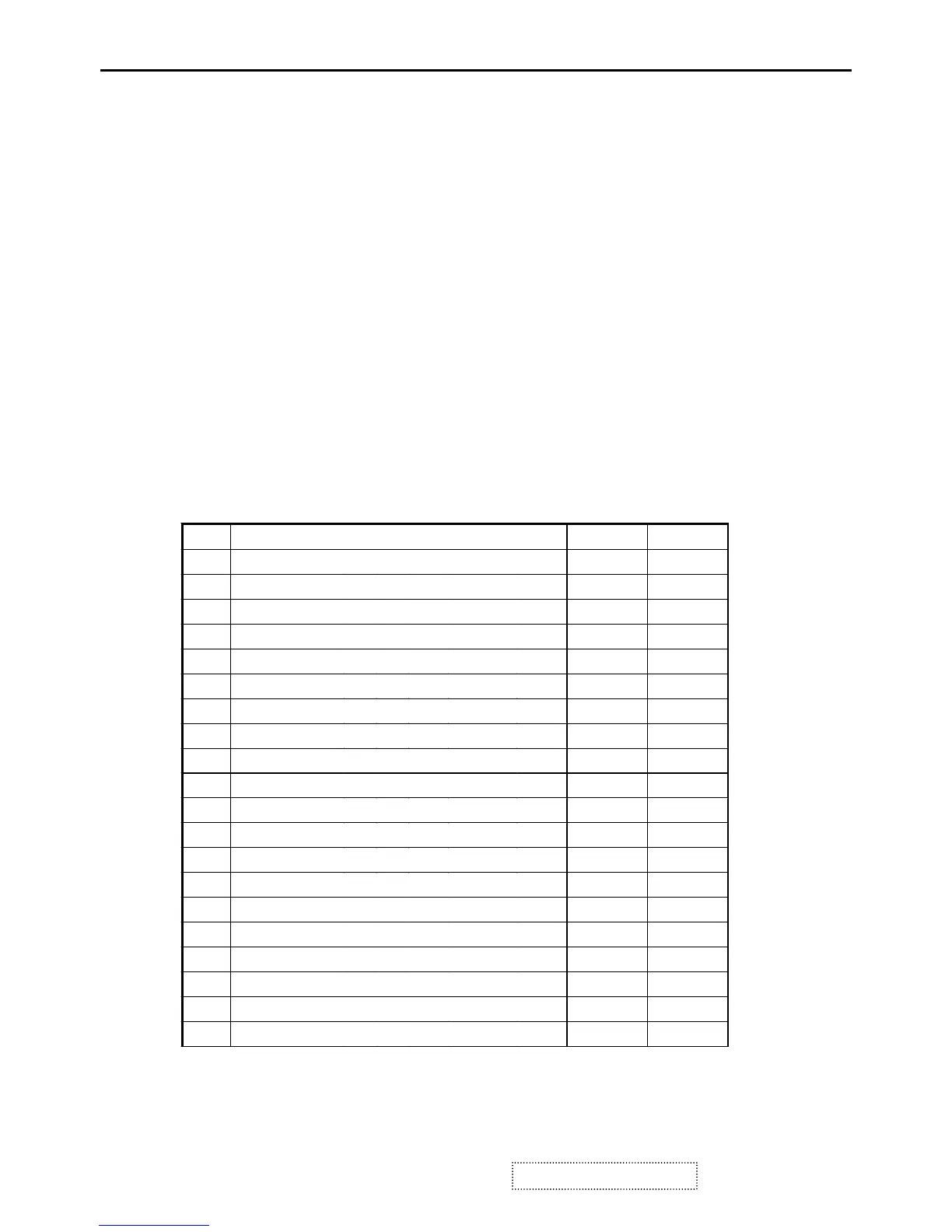
Item Timing Analog Digital
1
640 x 350 @ 70 Hz, 31.5 KHz
Yes Yes
2
640 x 400 @ 60 Hz, 31.5 KHz
Yes Yes
3
640 x 400 @ 70 Hz, 31.5 KHz
Yes Yes
4
640 x 480 @ 50 Hz, 24.7 KHz
Yes Yes
5
640 x 480 @ 60 Hz, 31.5 KHz
Yes Yes
6
640 x 480 @ 67 Hz, 35.0 KHz
Yes Yes
7
640 x 480 @ 72 Hz, 37.9 KHz
Yes Yes
8
640 x 480 @ 75 Hz, 37.5 KHz
Yes Yes
9
640 x 480 @ 85 Hz, 43.3 KHz
Yes Yes
10
640 x 870 @ 75 Hz, 68.9 KHz
Yes Yes
11
720 x 400 @ 70 Hz, 31.5 KHz
Yes Yes
12
720 x 480 @ 60 Hz, 31.5 KHz
Yes Yes
13
720 x 576 @ 50 Hz, 31.3 KHz
Yes Yes
14
800 x 600 @ 56 Hz, 35.1 KHz
Yes Yes
15
800 x 600 @ 60 Hz, 37.9 KHz
Yes Yes
16
800 x 600 @ 72 Hz, 48.1 KHz
Yes Yes
17
800 x 600 @ 75 Hz, 46.9 KHz
Yes Yes
18
800 x 600 @ 85 Hz, 53.7 KHz
Yes Yes
19
832 x 624 @ 75 Hz, 49.7 KHz
Yes Yes
20
1024 x 768 @ 50 Hz, 39.6 KHz
Yes Yes


 To Next Page