46
Menu Opon Descripon
Language Select an available language for the OSD Menu.
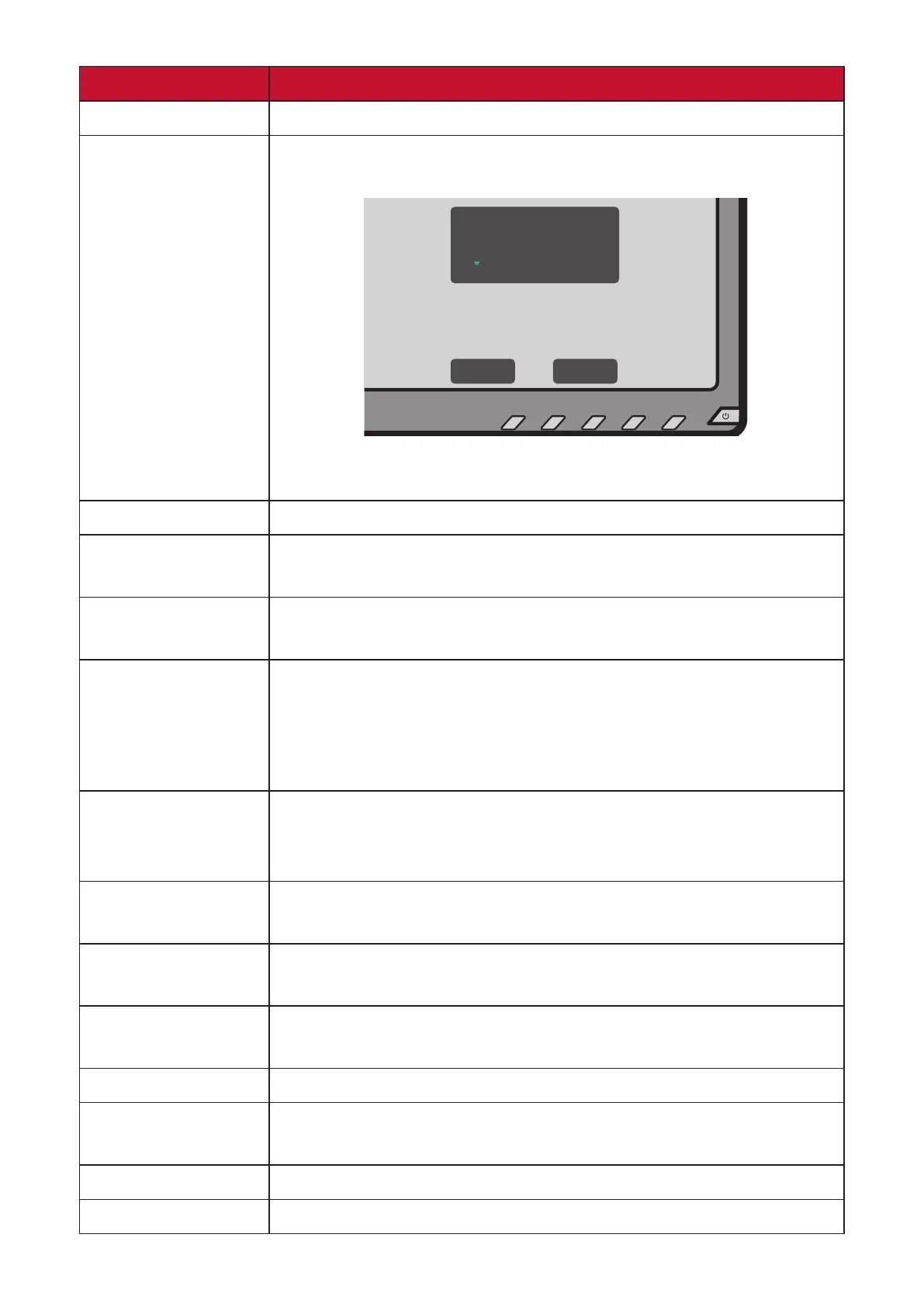
Resoluon Noce Informs users that the current viewing resoluon is not the
correct nave resoluon.
Clear
Message
Resolution Notice
For best picture quality,
change resolution to 3840x2160
Disable
Message
Press the 1 (ViewMode) key to hide the message or press
the 3 key to disable this funcon.
Informaon Display the monitor informaon.
OSD Timeout Set the length of me the OSD Menu remains on the
screen.
OSD Background Show/Hide the OSD background when the OSD Menu
appears on the screen.
OSD Pivot Set the OSD Menu orientaon.
• 0°: Sets the OSD Menu without a pivot.
• +90°: Sets the OSD Menu with a +90° pivot.
• -90°: Sets the OSD Menu with a -90° pivot.
Power Indicator Set the power indicator on or o. If the seng is set to On,
the power indicator lights blue when the device is turned
on.
Auto Power O Enable this opon to allow the monitor to automacally
turn o aer a certain amount of me.
Sleep Set the amount of idle me before the monitor enters
Sleep mode.
ECO Mode Choose between various modes, based on power
consumpon.
DisplayPort 1.2 Enable/Disable DisplayPort 1.2 support.
DDC/CI Enable this opon to allow the monitor control via the
graphics card.
Auto Detect Automacally detect the input signal.
All Recall Resets all sengs to their default values.








 To Next Page