- 35 –
ViewSonic Corporation
Confidential - Do Not Copy VX712
2 Setup Procedure
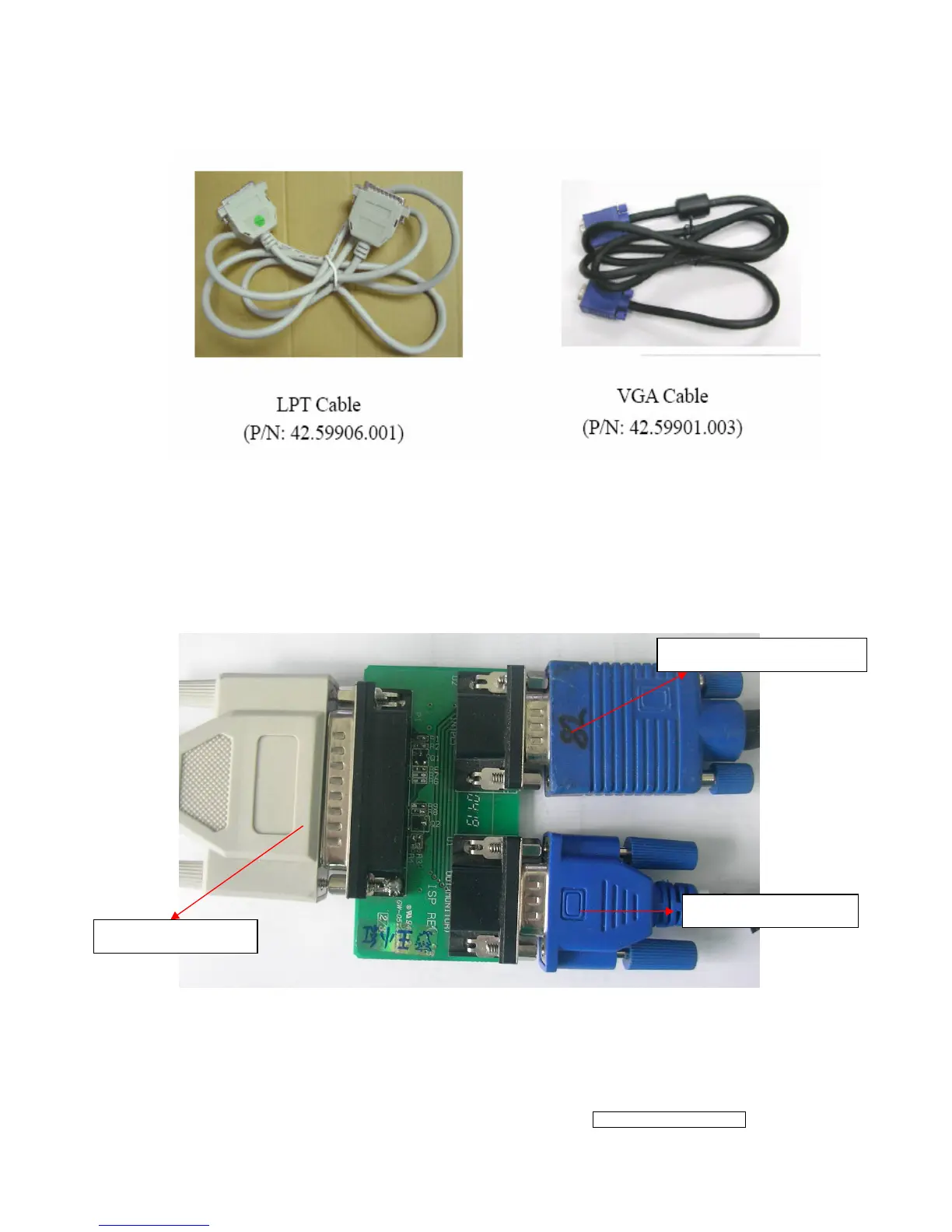
2.1 Connect P2 of Fixture with printer port of PC by LPT Cable.
2.2 Connect P1 of Fixture with VX712 Monitor by VGA Cable.
2.3 Connect Power Cord to VX712 Monitor.
2.4 Connect P3 to the Signal Generator (eg.Chroma2326) for verifying it after the
operation being completed.
2.5 Connect PC to the additional monitor.
P2: to LPT Cable
P3: to Signal Generator
P1: to VGA Cable


 To Next Page