57
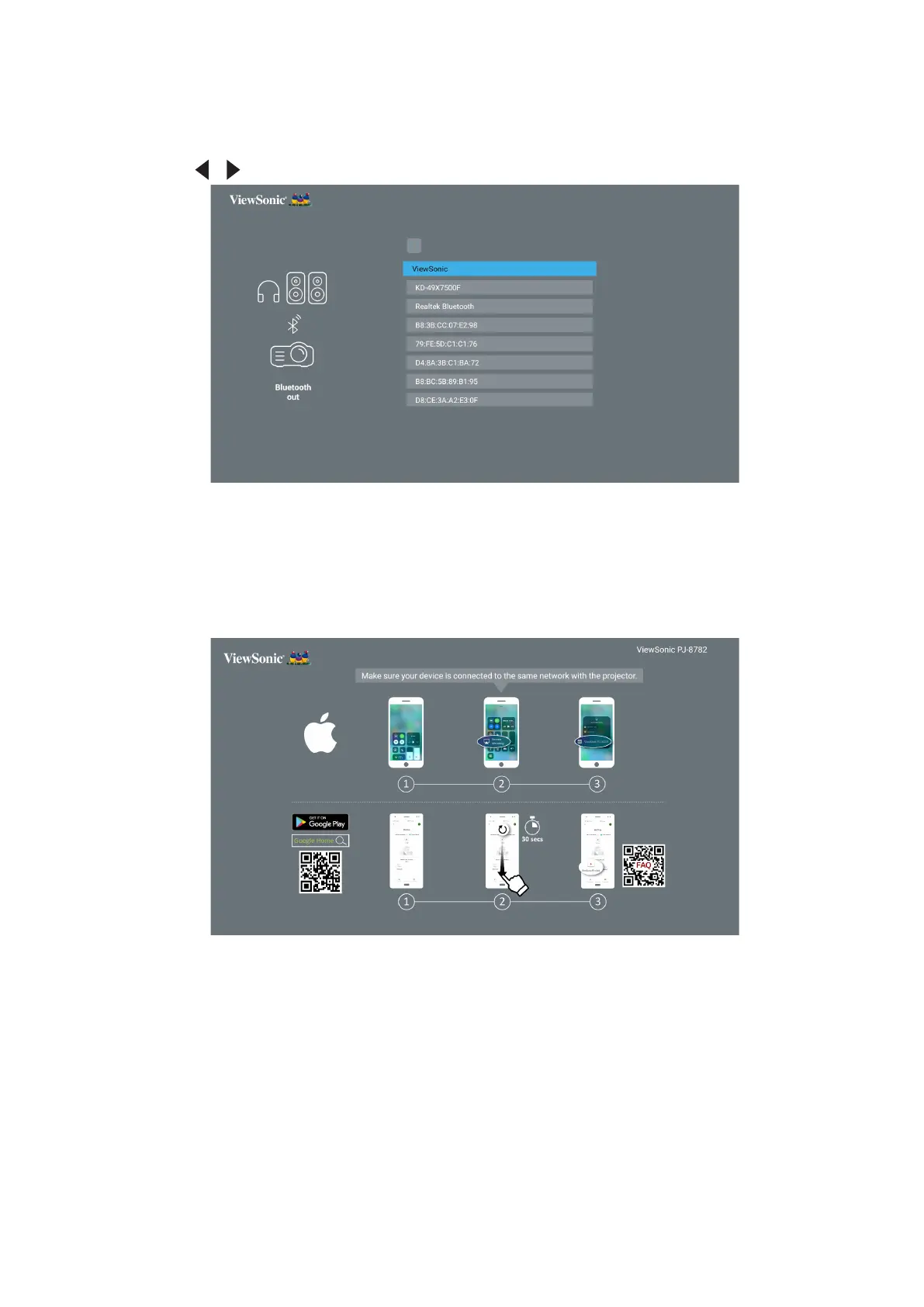
You can also connect the projector to external headphones or speakers that
support Bluetooth:
1. Go to: Home Screen > Bluetooth.
2. Use the / to select Bluetooth Out. Then press ENTER/OK.
NOTE: Once paired, if both the projector and your device are powered on they
will automacally connect via Bluetooth.
• Screen Mirroring
Screen Mirroring provides a 5GHz Wi-Fi connection for users to mirror the
screen on their personal device.
NOTE: Ensure your device is connected to the same network as the projector.







 To Next Page