65
Firmware update via a USB device
1. Download the latest rmware version form the ViewSonic website and copy the
le to a USB device.
2. Plug the USB device into the projector.
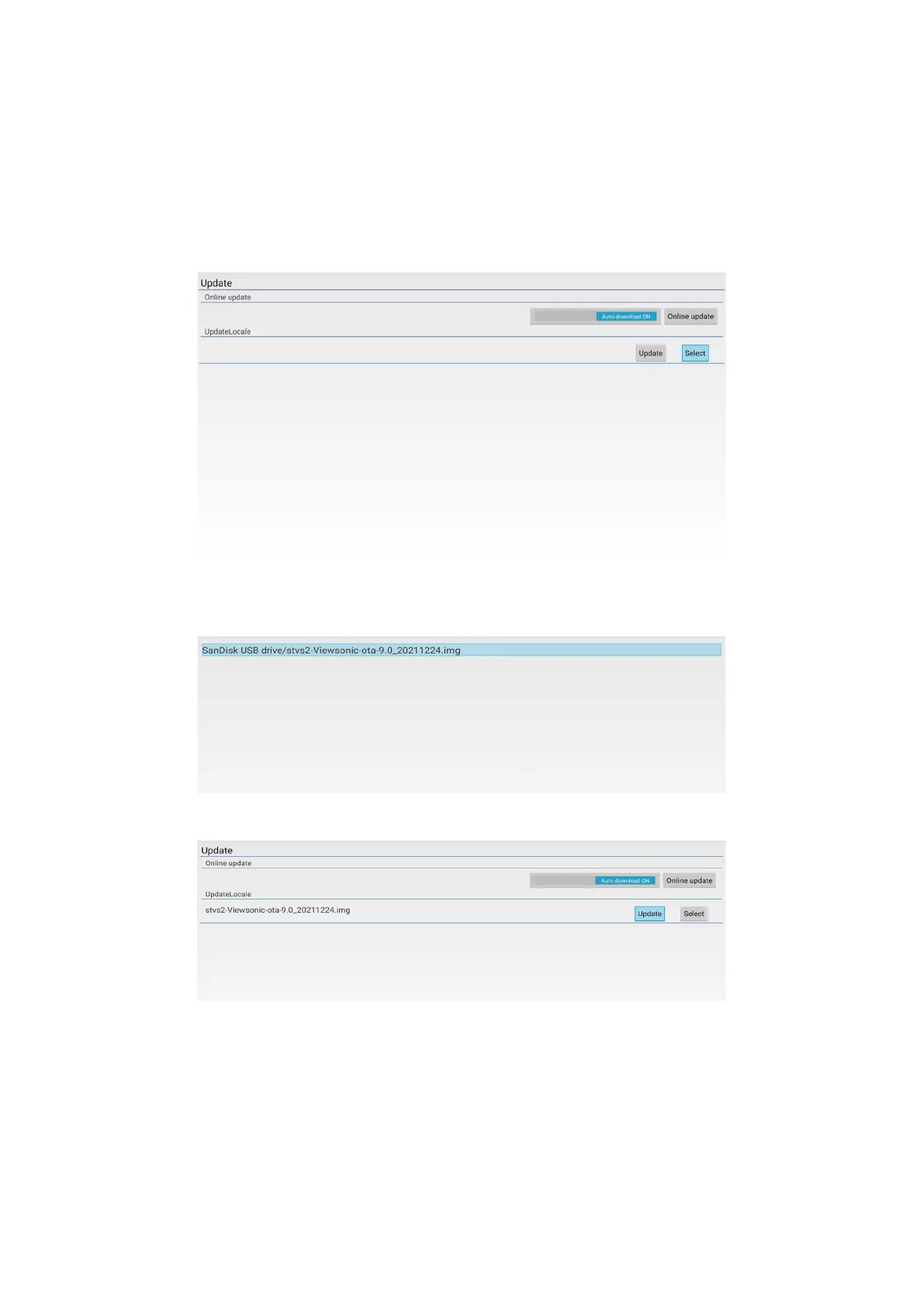
3. Go to Application > UPDATE > UpdateLocale.
4. Click Select and press ENTER/OK.
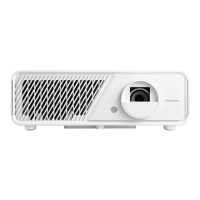
5. The system will detect the firmware and display the following information. Select
the firmware file.
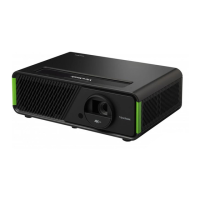
6. The selected firmware will show up. Click Update.
7. The Local update dialog message is displayed, select Update.







 To Next Page