2-3. COLOR
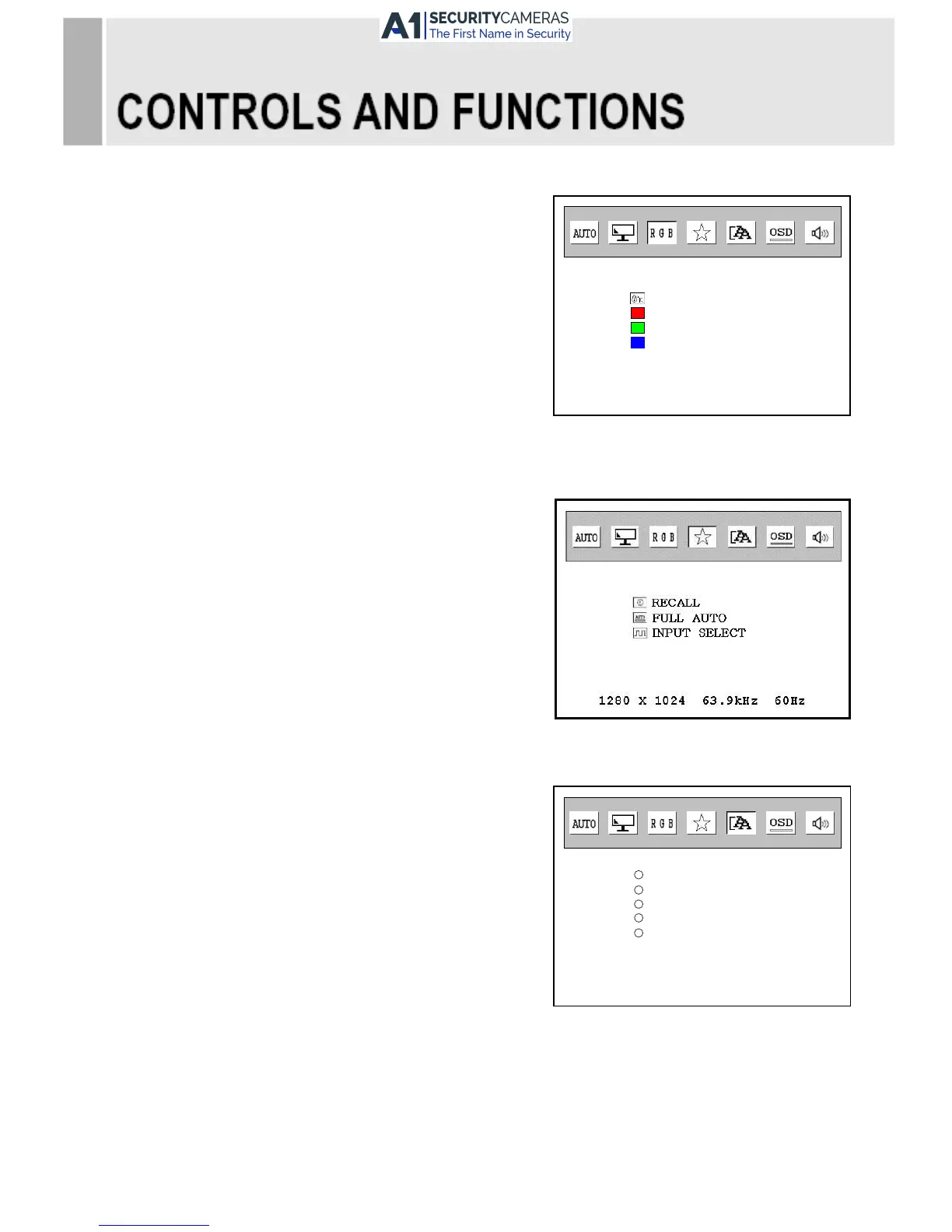
1) COLOR TEMP.
Adjust color temperature to 9300, 6500, user.
2) RED
Adjust red color for user.
3) GREEN
Adjust green color for user.
4) BLUE
Adjust blue color for user.
2-4. UTILITY
1) RECALL
Return to the default settings programmed
at the factory; default setting.
2) FULL AUTO
Adjust color temperature and screen size.
3) INPUT SELECT
Select the Analog(VGA) or Digital(DVI).
2-5. LANGUAGE
The menu displays selected languages.
First, select your language.
10 ……………………………………………………………………. INSTRUCTION MANUAL



 To Next Page