13
1.
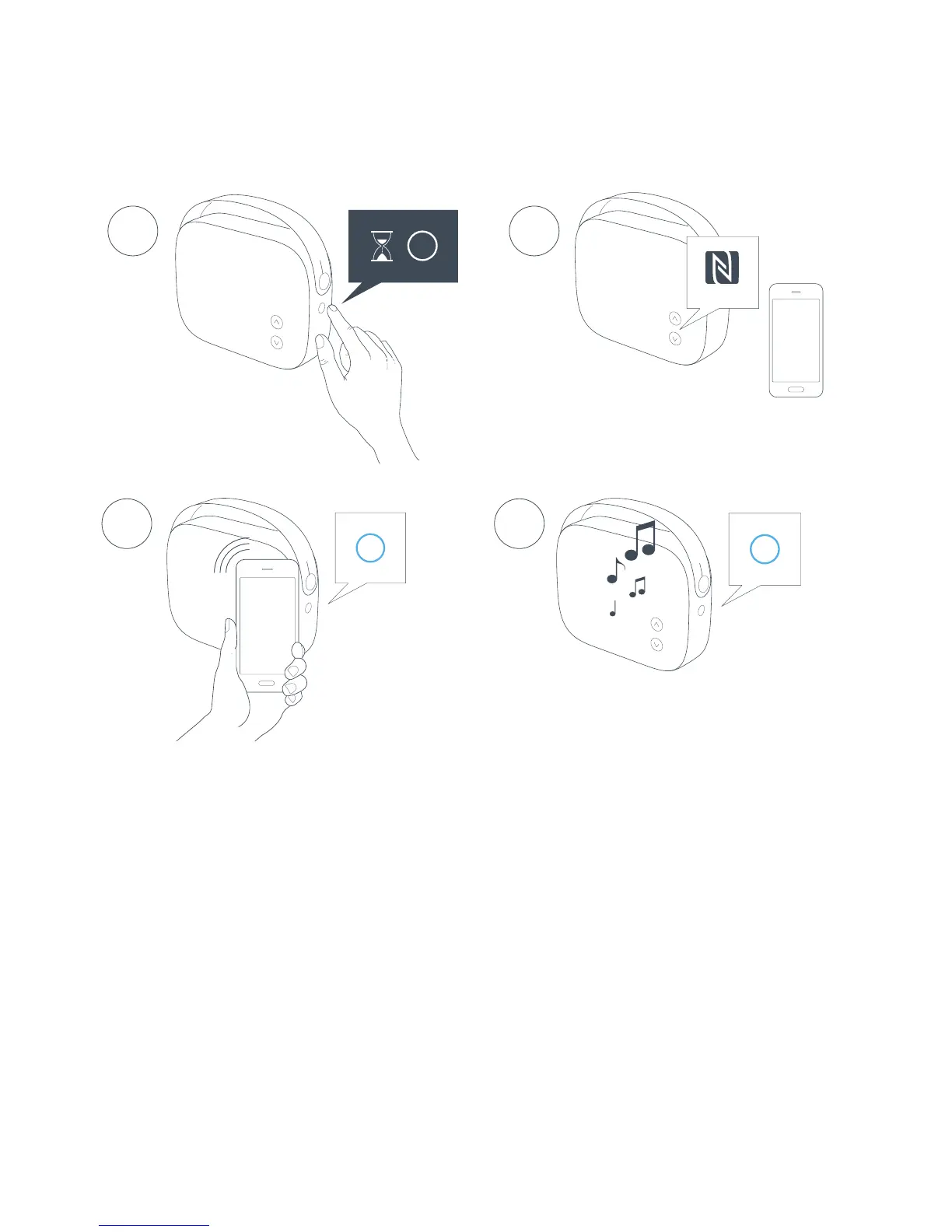
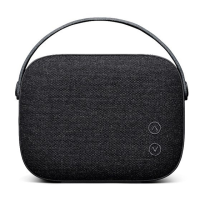
To turn Helsinki on, press and hold the MODE button until
status indicator turns solid WHITE.
2.
The NFC area of Helsinki is placed by the volume buttons.
3. Activate NFC function on your device. Place NFC enabled
device on NFC area and accept pairing on your device.
4. The status indicator turns solid BLUE when a connection is
established. Let the music play.
CONNECTING WITH BLUETOOTH - NFC
Only for NFC enabled devices
1
NFC
3 4


 To Next Page