16
FACTORY DEFAULT
Factory default
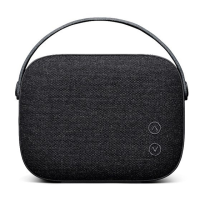
Resets Helsinki’s software to factory settings
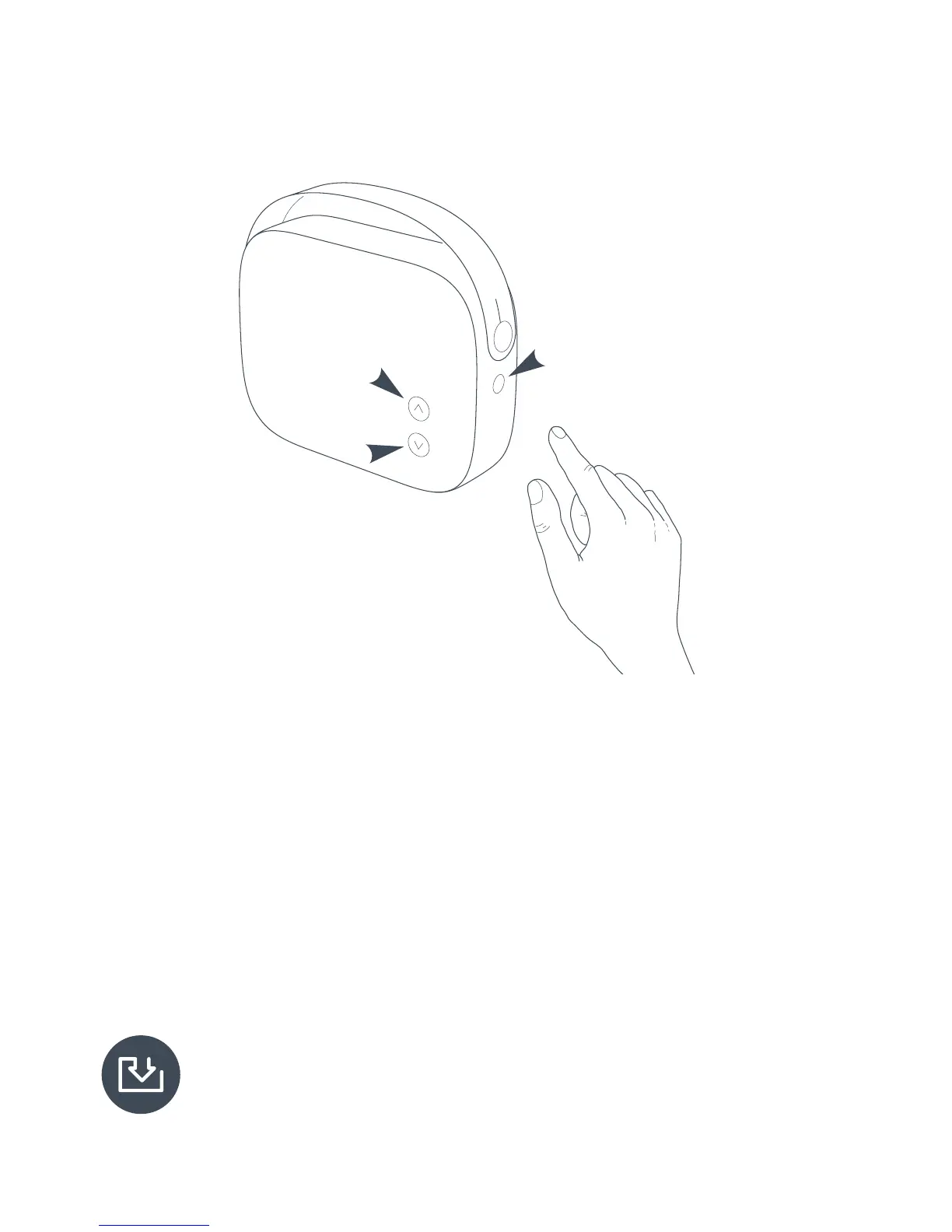
To factory default Helsinki, press and hold the MODE button and
the volume up and volume down buttons simultaneously until the
status indicator turns red.
Release the buttons and Helsinki will go to factory default. Please
note that after factory default ALL USER SETTINGS WILL BE LOST.
To update Helsinki’s rmware, please go to www.vifa.dk/support for
further information.


 To Next Page