11
Gasifying boiler VIGAS
5.1.4 Add fuel, boiler shut-down (manual control)
5.1.5 Boiler shut-down (automatic)
6. BOILER VIGAS
Lambda Control
IN BASIC CONFIGURATION
WITHOUT EXHAUST FAN
Boiler VIGAS
Lambda Control
operates using information about the oxygen in the exhaust gas received from
lambda sensor to control the flap of primary and secondary air. This system allows burning of all types of
wood more efficiently and at the same time decrease the fuel consumption by 20-25 %.
6.1 VIGAS
Lambda Control
BOILER CONTROL
6.1.1 Boiler activation
Choose one option
Cancel display driver
▲
Change indicated figure
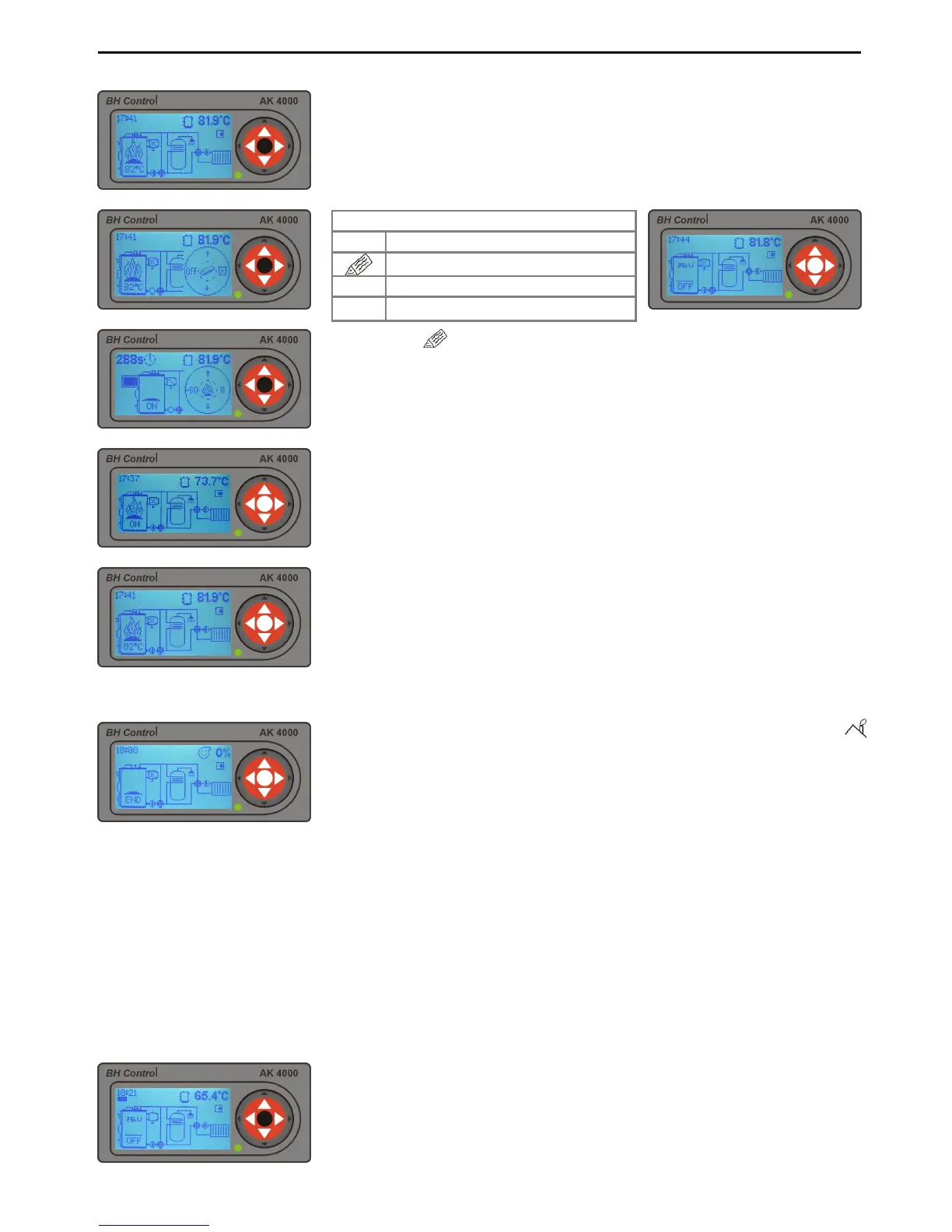
By pressing „ “ , the boiler fan will be switched-
off and the discharge fan will
be switched-on between 60 secs and maximum 300 secs.
in the upper left hand corner of the display. By pressing button „+60“
possible to extend discharge fan running time.
Using the lever, open chimney
flap and consequently open the upper door. You can add fuel if
After fuel reloading close the upper door and
the discharge fan will be switched off, boiler fan will start working
When exhaust gas temperature drops under the set-up temperature (
end), the boiler is automatically switched-off. Sign „END“ will be indicated
on the display. By pressing the „ENTER“ button twice, the boiler will start
The graphic control is used for this operation.
To activate display driver
press middle „ENTER“ button. The graphic control offers option to:
switch-off boiler, add fuel or cancel display driver.
If the boiler is in shut-down phase, with symbol „OFF“ on
start-up press middle „ENTER“ button.



 To Next Page