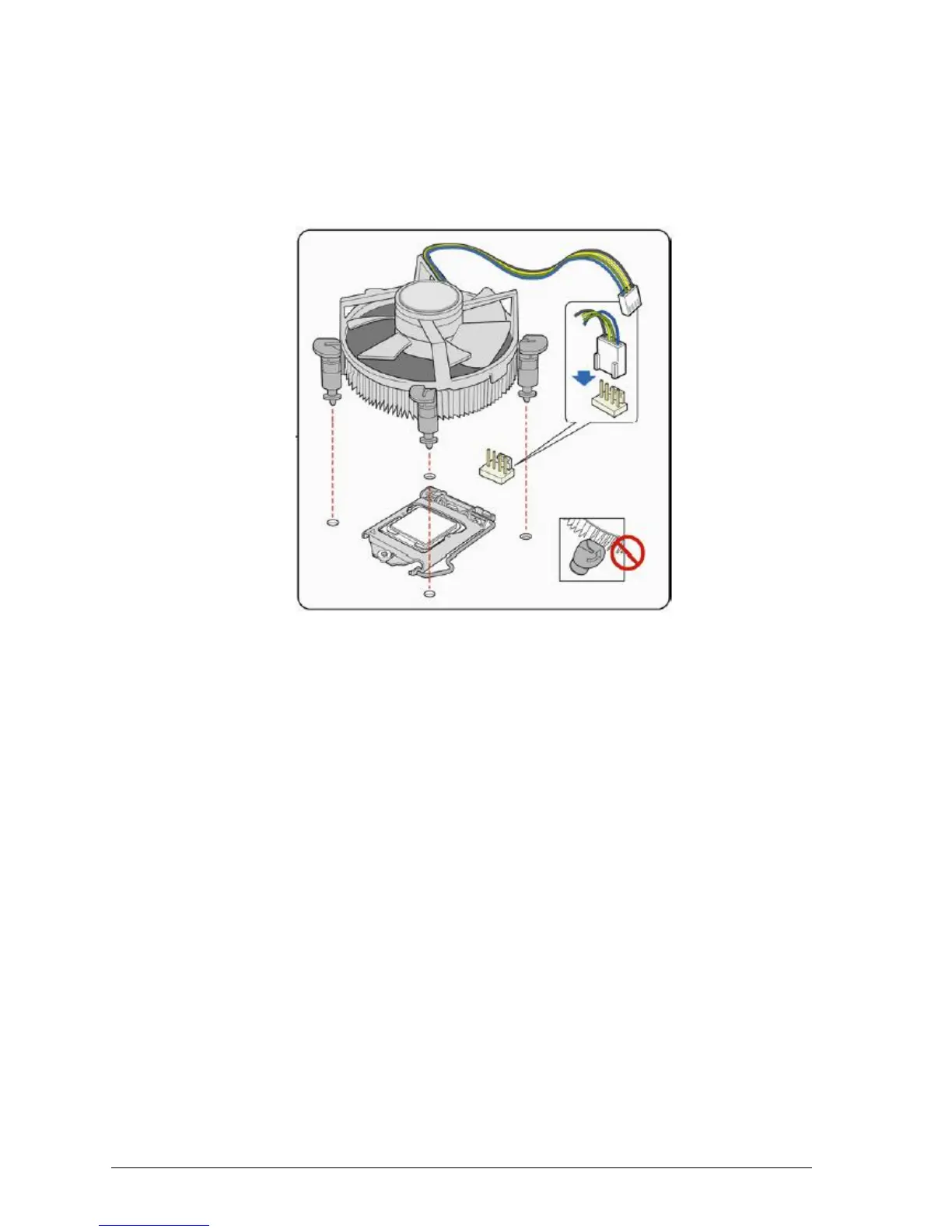
Connecting the Processor Fan Heat Sink Cable
Connect the processor fan heat sink power cable to the 4-pin processor fan header (see
Figure 26). A fan with a 4-pin connector as shown in Figure 26 is recommended.
1. Make sure the four hooks are in the proper position before you install the cooler.
Figure 21: Connecting the processor fan heat sink power cable to the processor fan header
Removing the Processor
For instructions on how to remove the processor fan heat sink and processor, refer to the
processor installation manual.



 To Next Page