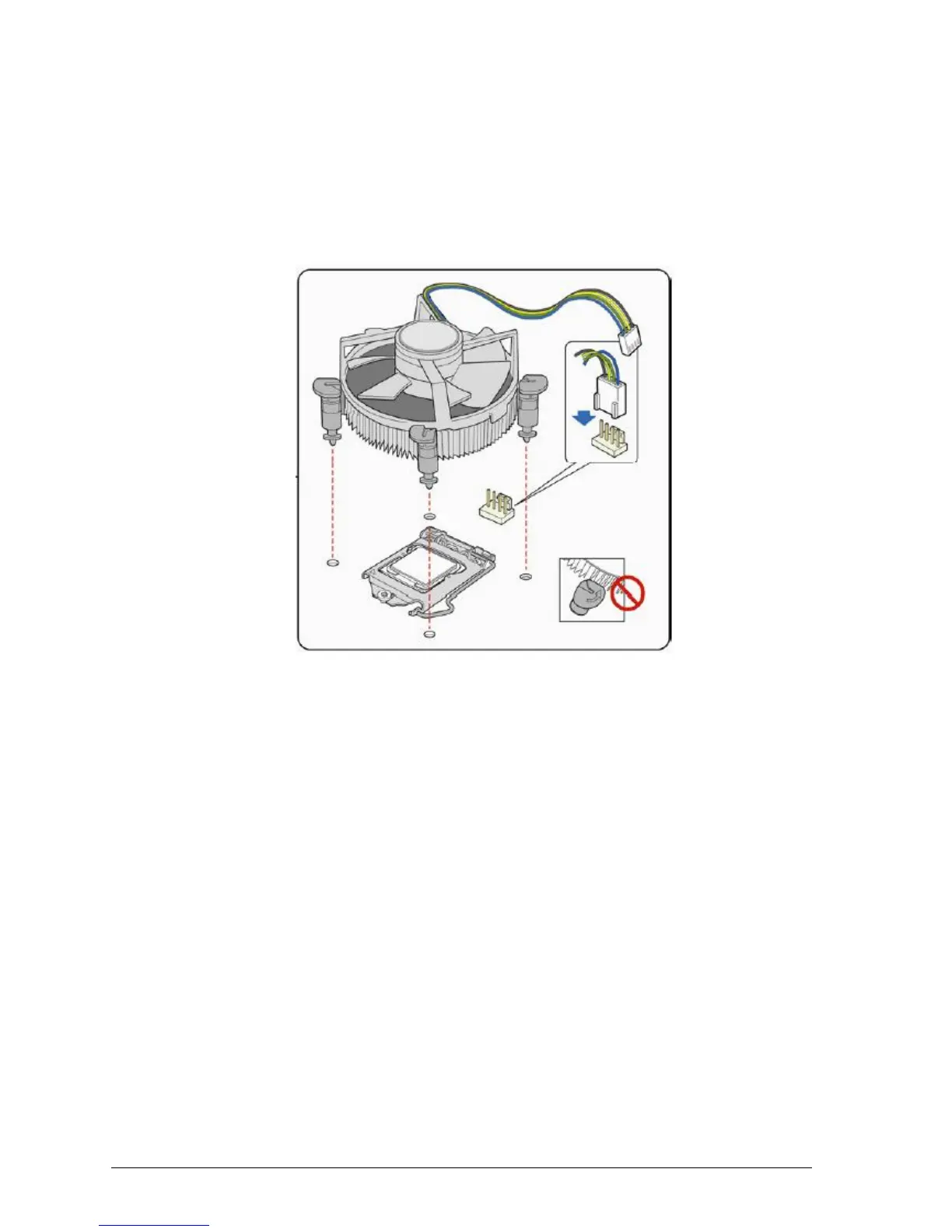
Connecting the Processor Fan Heat Sink Cable
Connect the processor fan heat sink power cable to the 4-pin processor fan header (see
Figure 18).
Make sure the four hooks are in the proper position before you install the cooler.
If the heatsink is held in by screws, position heatsink correctly and screw into place.
Figure 18: Connecting the processor fan heat sink power cable to the processor fan header



 To Next Page