4.6 Main Menu
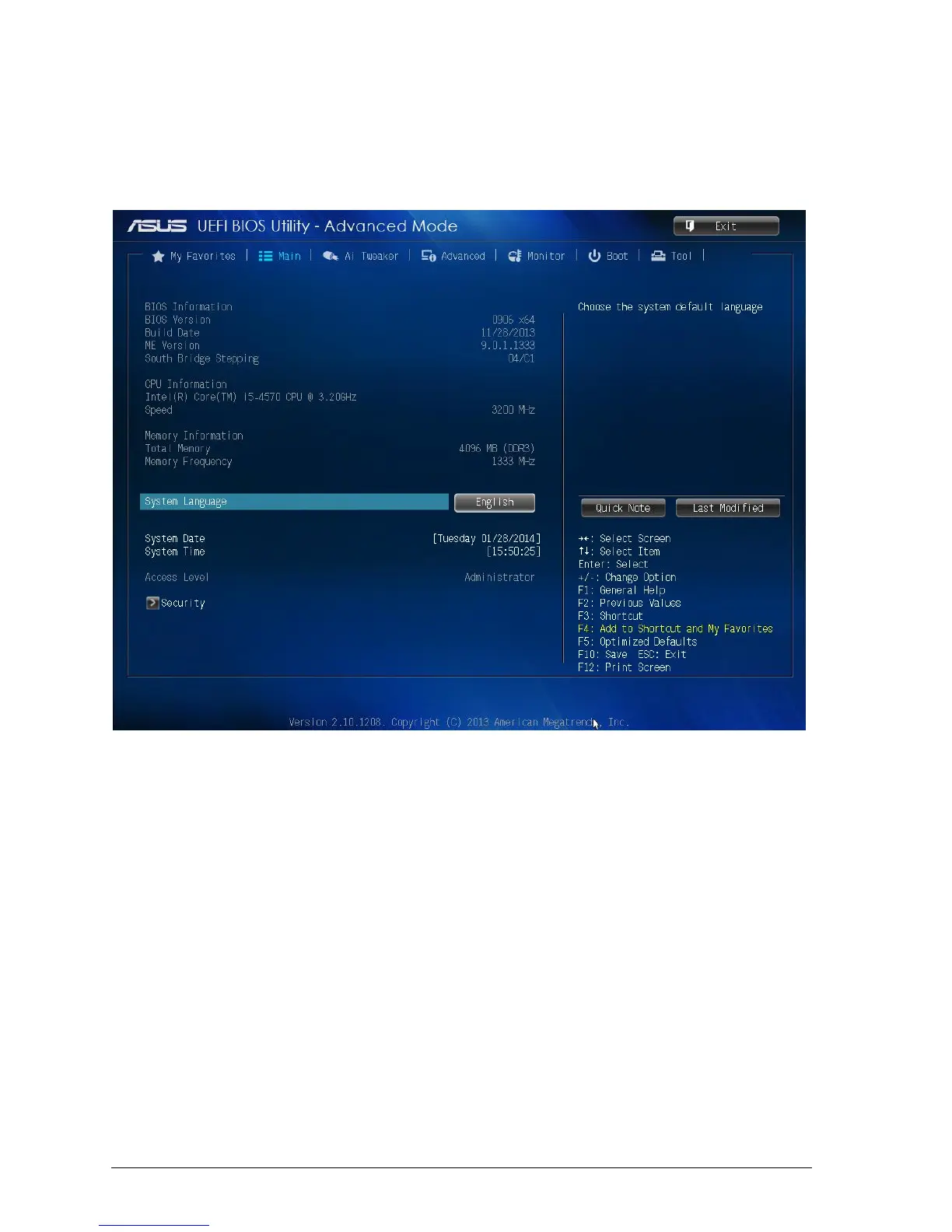
The Main menu screen appears when you enter the Advanced Mode of the BIOS Setup
program. The Main menu provides you an overview of the basic system information, and
allows you to set the system date, time, language, and security settings.
Figure 27: Main Menu
4.6.1 System Language [English]
Allows you to choose the BIOS language version from the options.
4.6.2 System Date [Day xx/xx/xxxx]
Allows you to set the system date.
4.6.3 System Time [xx:xx:xx]
Allows you to set the system time.



 To Next Page