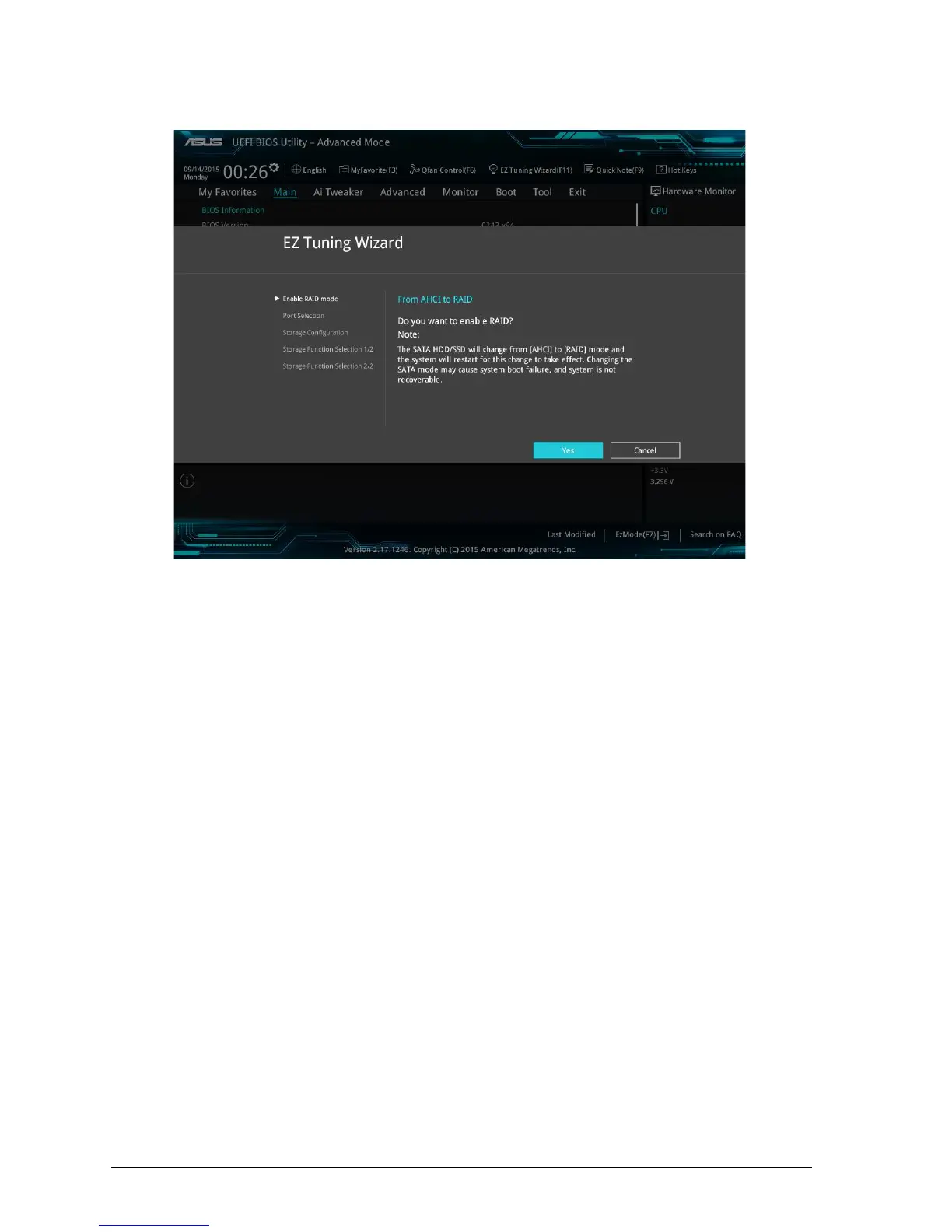
4. 6.5 EZ Tuning Wizard (F11) RAID Configuration
Figure 39 – EZ Tuning Wizard
Tuning your system settings
To tune your settings:
1. Press <F11> on your keyboard or click from the BIOS screen to open EZ Tuning Wizard screen, then
click Next.
2. Select a PC scenario Daily Computing or Gaming/Media Editing, then click Next.
3. Select the CPU fan type (Box cooler, Tower cooler, or Water cooler) that you installed then click
Next.
4. Click Next then click Yes to confirm auto-tuning.
Creating RAID
To create RAID:
1. Press <F11> on your keyboard or click from the BIOS screen to open EZ Tuning Wizard screen.
2. Click RAID then click Next.
• Ensure that your HDDs have no existing RAID volumes.
• Ensure to connect your HDDs to Intel® SATA connectors.



 To Next Page