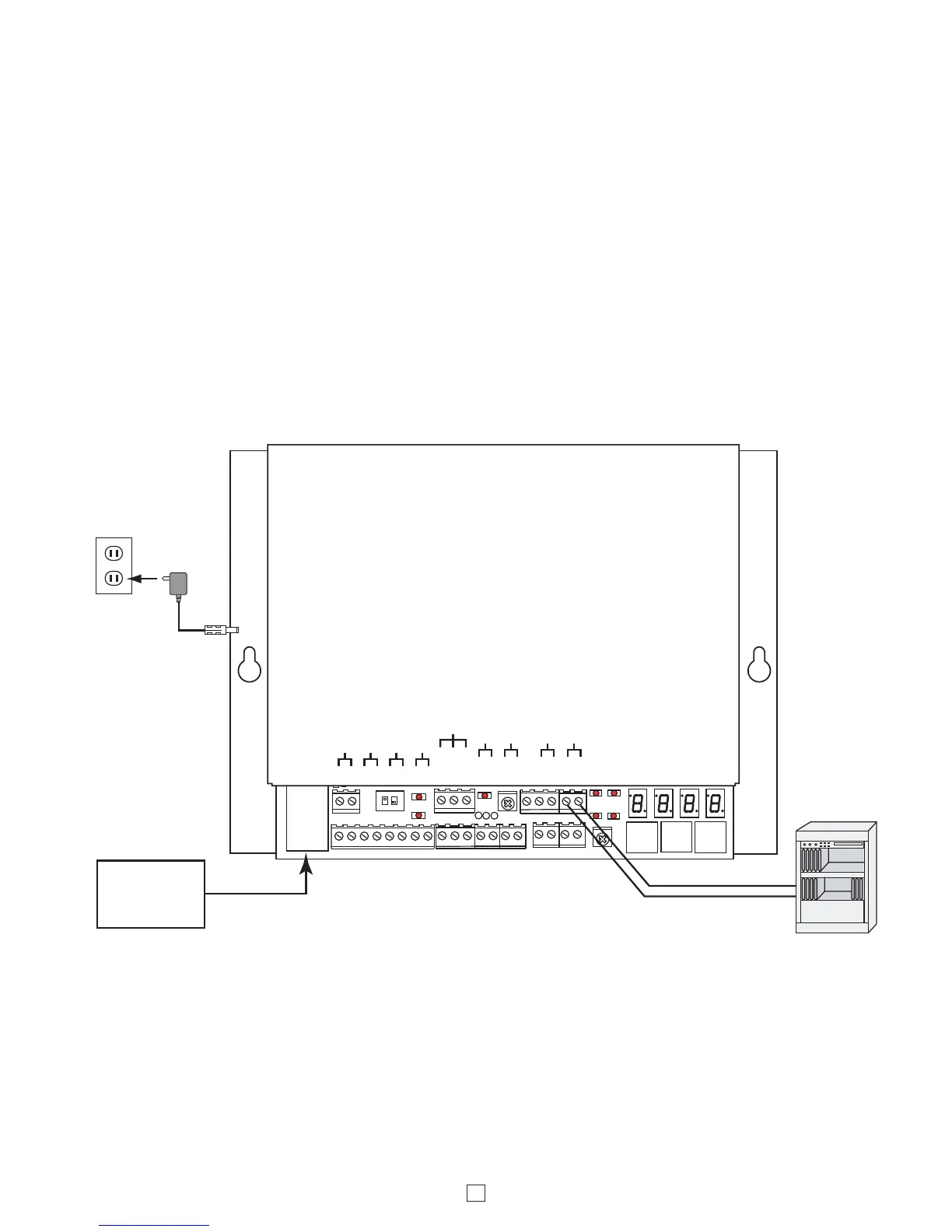
The “Telco Page” connection allows the CTG-2A to seize an analog PABX extension and dial a touch tone string before
playing the wave file. Useful for dial access paging systems or when the CTG-2A wave files must be played only to
certain zones of a multi zone paging system. Another application is connecting the CTG-2A to the override port of a
multi zone page controller, so the CTG-2A wave files are a higher priority than a voice page. See the “Creating Touch
Tone Wave Files” application note, DOD# 898. Audacity can generate the required touch tones.
Notes:
1. The CTG-2A can only play one tone/message at a time at the top of a minute. If multiple tones or messages must
play at the same time, multiple CTG-2A’s must be used.
2. The CTG-2A is limited to 14 wave file memory locations. Playing tones/messages to many different zones or zone
combinations will reduce the overall number of tones/ messages that can be used.
3. When the CTG-2A is connected to a PABX extension and dials a touch tone string to access the paging system, the
tone/message from the CTG-2A will not play over the speakers if the paging system is busy.



 To Next Page