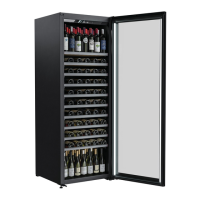
V30SGME V30SGMEBK V30SGES3 AL-V30SGE14
User Manual
To modify the pre-set temperature
Adjust the desired cooling temperature by pressing the button(A). Each depression of the
button will scroll through the available temperature settings in increments of 1 degree
Celsius. The temperature setting can be adjusted from 6� to 18�. LED will flash when
setting the temperature. When stopping setting the temperature, LED will flash for
another 5 seconds and then display the actual temperature.
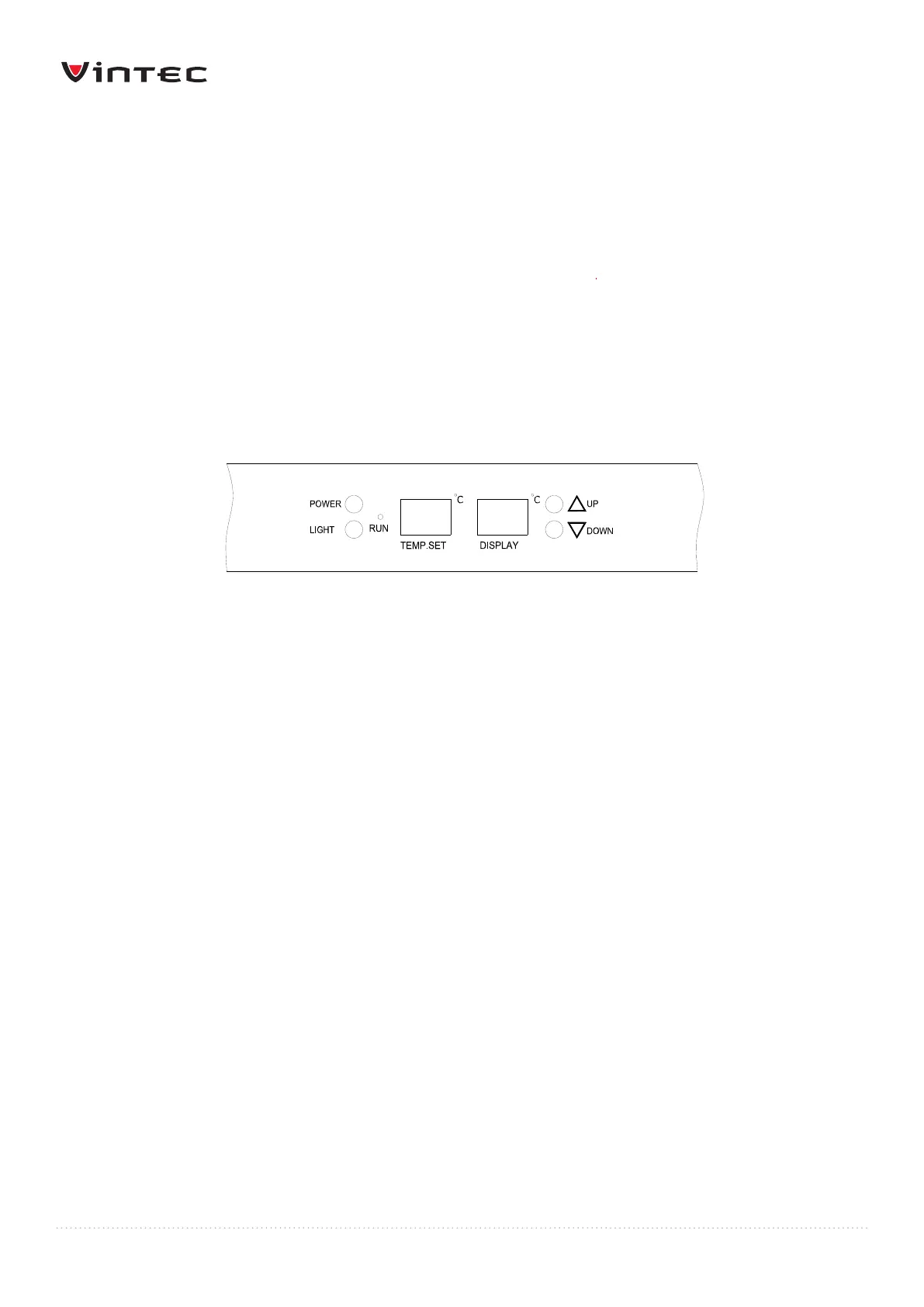
The “TEMP. SET LED” displays the set temperature
The “DISPLAY LED” displays the internal temperature
To modify the pre-set temperature
Adjust the desired cooling temperature by pressing the UP or DOWN buttons. Each
depression of the buttons will scroll through the available temperature settings in
increments of 1 degree Celsius. The temperature setting can be adjusted from 6� to 18�.


 To Next Page