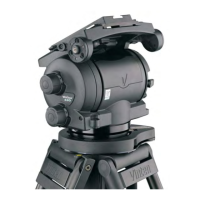
Vector 750i encoded pantographic manual head
14
Fitting the camera
To fit the camera, proceed as follows:
L
ower the mounting to a convenient working height.
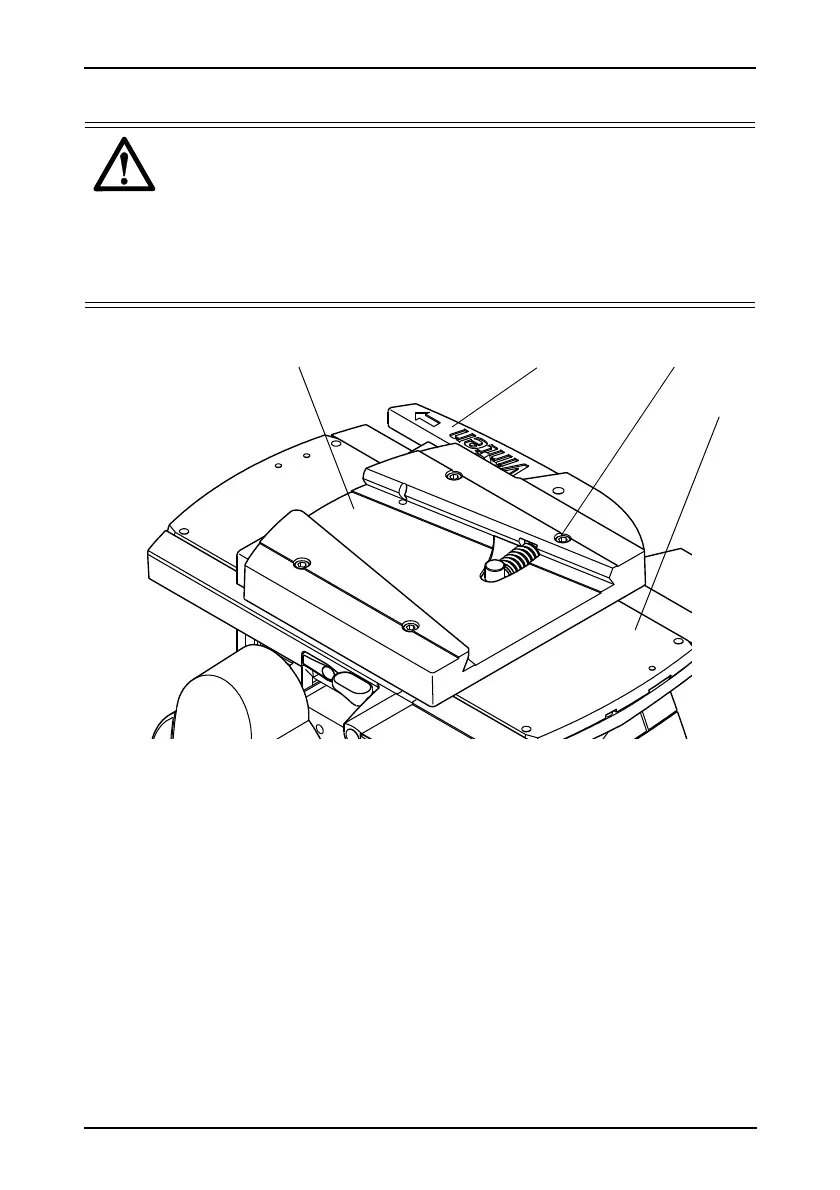
If not already fitted, install the wedge adaptor [26] in the middle position on the camera
slide plate [20].
Attach the wedge to the camera/lens.
Ensure that the centre lock [22] is engaged.
Apply the pan brake [3] (see ‘Pan and tilt brakes’ on page 17).
Slide the wedge adaptor operating lever [27] forward
(parallel to the wedge) about
6 mm
(1/4 in.) against spring tension. Pull the operating lever out, away from the body of the
wedge adaptor, as far as it will go.
Warning!
1. Do NOT rely on the tilt brake when changing the payload. Be prepared
to prevent the payload falling away.
1. Always engage the centre lock.
2. Ensure that the weight and C of G height of the total payload is within
the range for which the head is designed: up to 75 kg (167.3 lbs) with a
C of G height of 80–250 mm (3–10 in.).
Fig. 4 Wedge adaptor









 To Next Page