14
Rev. 1 20.12.2019
Operation of the device
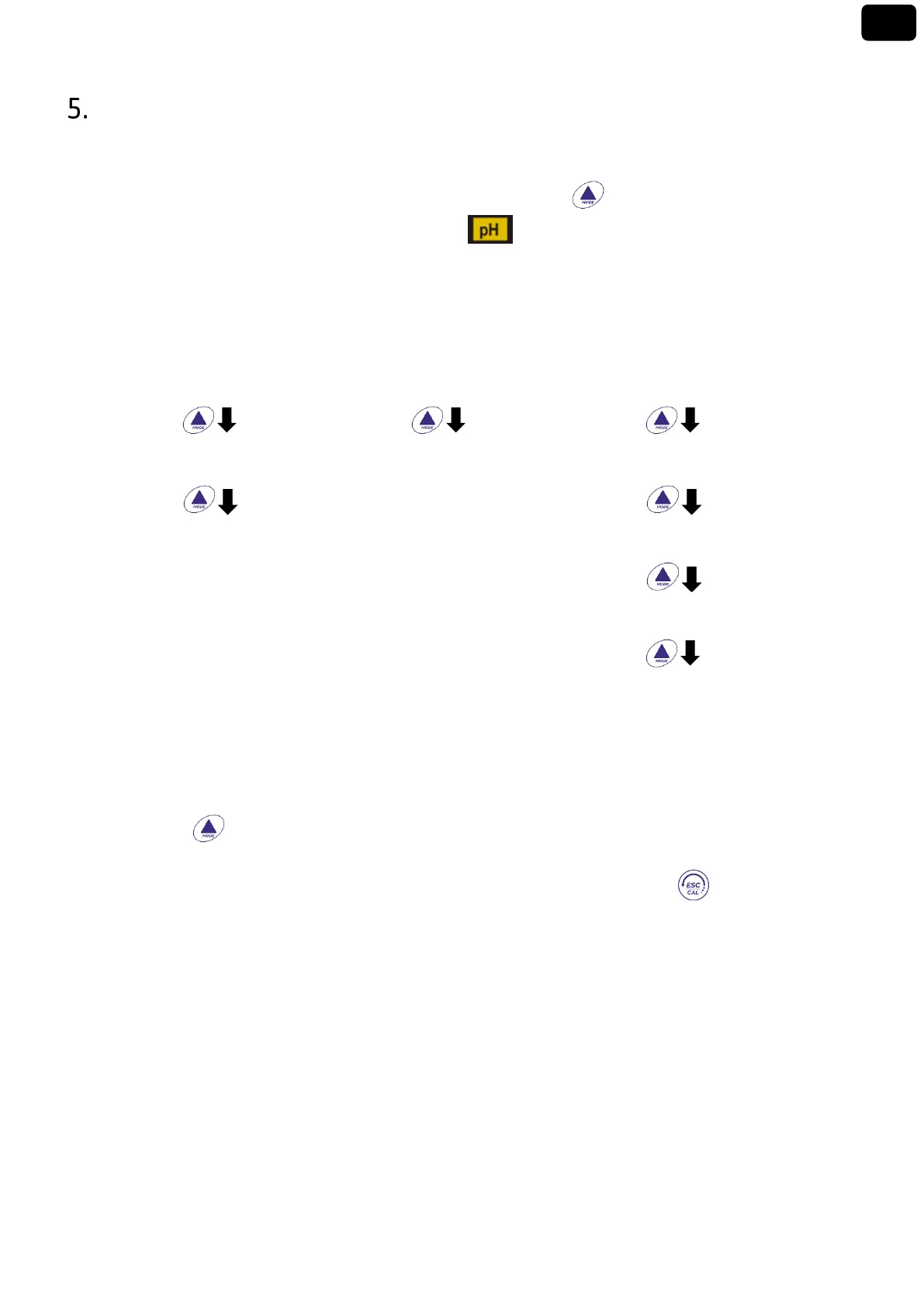
After switching on, the instrument enters measurement mode in the last parameter used.
To scroll through the different parameter screens, press the key , the current measurement
parameter is shown in the display on the top left (ex: ).
Sequence of parameters in measurement mode:
Note: Pressing after the last parameter the instrument automatically restarts from the first
In the measurement screens for the pH, ORP and Conductivity parameters, press the key to start the
calibration of the active parameter. (Subsequent paragraphs).
On the left side of the display, through a string of different colours, it is always indicated how the
instrument is located.
Note: To confirm the user switching from one mode to another, the string flashes


 To Next Page