Need help?
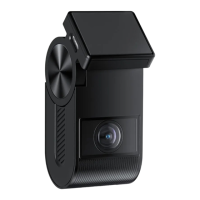
Do you have a question about the Viofo A119 mini and is the answer not in the manual?
Instructions on how to turn the dashcam on and off.
Details on continuous recording and file management.
Explanation of automatic and manual file locking.
Instructions for updating the camera's firmware.
Configuration options for parking surveillance modes.
Options for formatting the SD card and restoring factory settings.
 General
| Field of View | 140° |
|---|---|
| GPS | Optional |
| Wi-Fi | Yes |
| Power Supply | 5V/1A via mini USB |
| Operating Temperature | -10°C to 65°C |
| Image Sensor | Sony STARVIS IMX335 |
| Lens | 7G F1.6 |
| Aperture | F1.6 |
| Video Format | MP4 |
| Microphone | Built-in |
| Speaker | Built-in |
| Loop Recording | Yes |
| G-Sensor | Yes |
| Parking Mode | Yes |
| Storage | Up to 256GB |
| Video Resolution | 1920x1080 @60fps |
| Frame Rate | 30fps, 60fps |
| Screen Size | 1.5 inches |


 To Next Page