5
1.1.2.4 HDMI
- It is recommended that any HDMI cables used shall also be certified and of version 1.4 or
higher so as to utilize all available HDMI features of the system.
- While connecting or disconnecting the HDMI cable make sure that Neo is powered off.
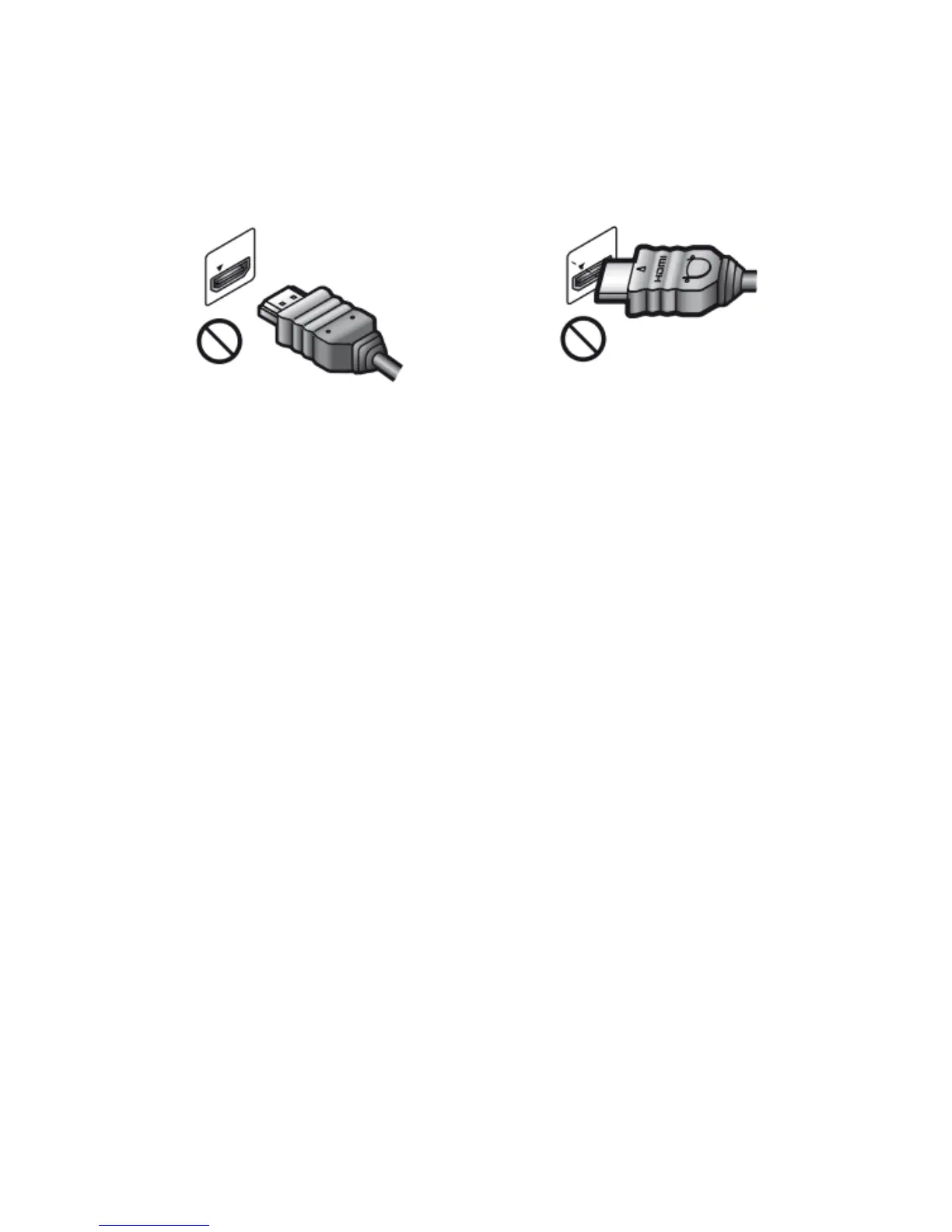
- Carefully align the HDMI OUT jack on the rear of the player and the HDMI connector by checking
their shapes. Make sure the connector is not upside down or tilted.
- Be sure to disconnect the HDMI cable when moving the devices.
- Hold the HDMI connector straight when connecting or disconnecting the HDMI cable. Do not
twist or force the HDMI connector into the HDMI connector.



 To Next Page