OPERA TION
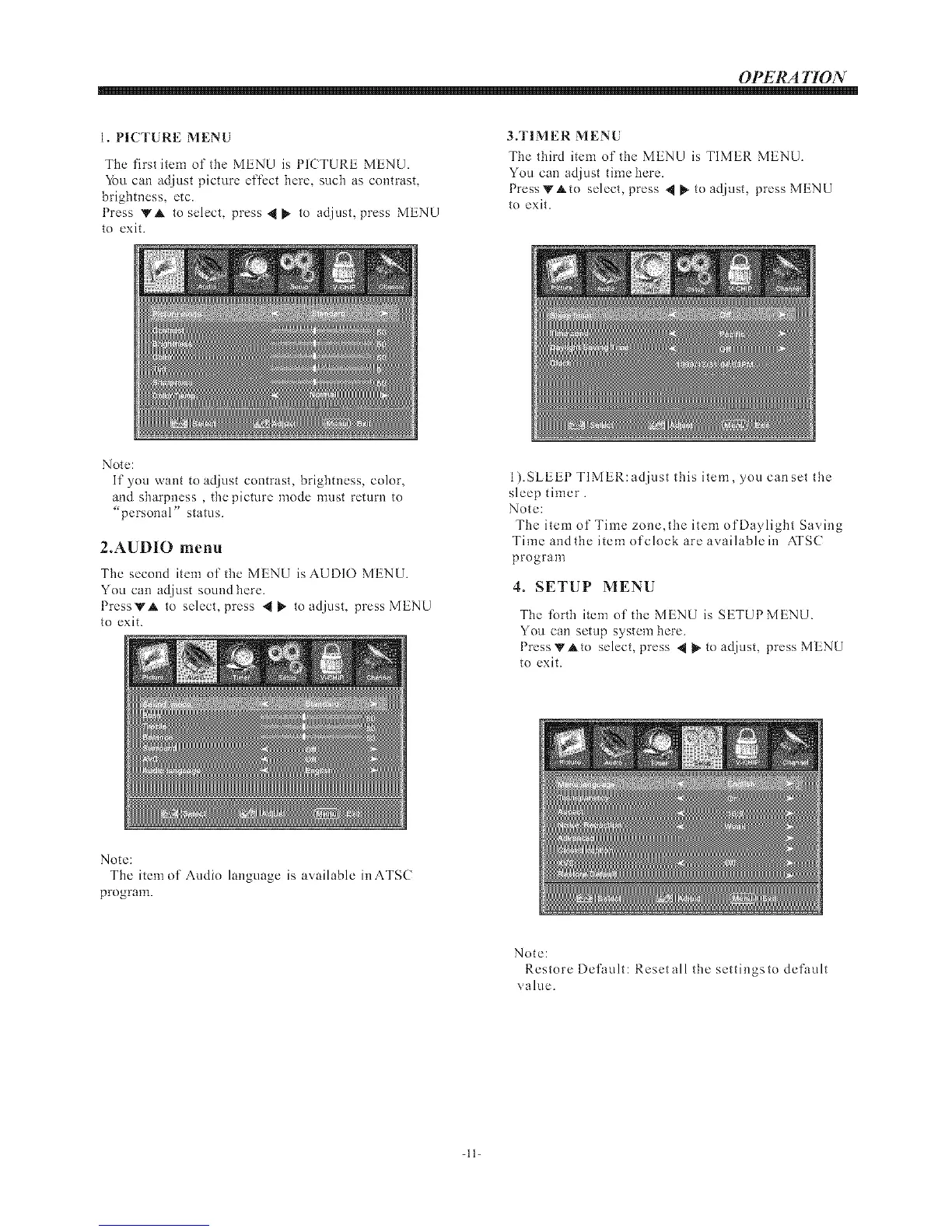
1. PICTURE MENU
The first item of tile MENU is PICTURE MENU.
You can adjust picture effect here, such as contrast,
brightness, etc.
Press VA to select, press .I{ _- to adjust, press MENU
to exit.
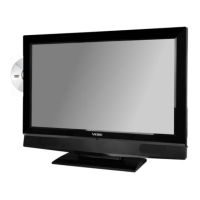
3.TIMER MENU
The third item of the MENU is TIMER MENU.
You can adjust time here.
PressVAto select, press _ _ to adjust, press MENU
to exit.
Note:
If you want to adjust contrast, brightness, color,
and sharpness , the picture mode must return to
"personal" status.
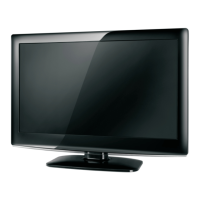
2.AUDIO menu
Tile second item of tile MENU is AUDIO MENU.
You can adjust sound here.
PressVA to select, press @_ to adjust, press MENU
to exit.
1).SLEEP TIMER: adjust this item, you can set the
sleep timer.
Note:
The item of Time zone,the item of Daylight Saving
Time and the itemofclockareavailablein ATSC
program
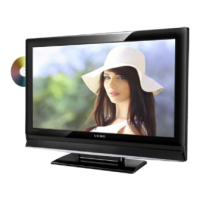
4. SETUP MENU
Tile forth item of tile MENU is SETUP MENU.
You can setup system here.
Press VAto select, press "II_ to adjust, press MENU
to exit.
Note:
The item of Audio language is available in ATSC
program.
Note:
Restore Default: Resetall the settingsto default
value.
-ll-


 To Next Page