12
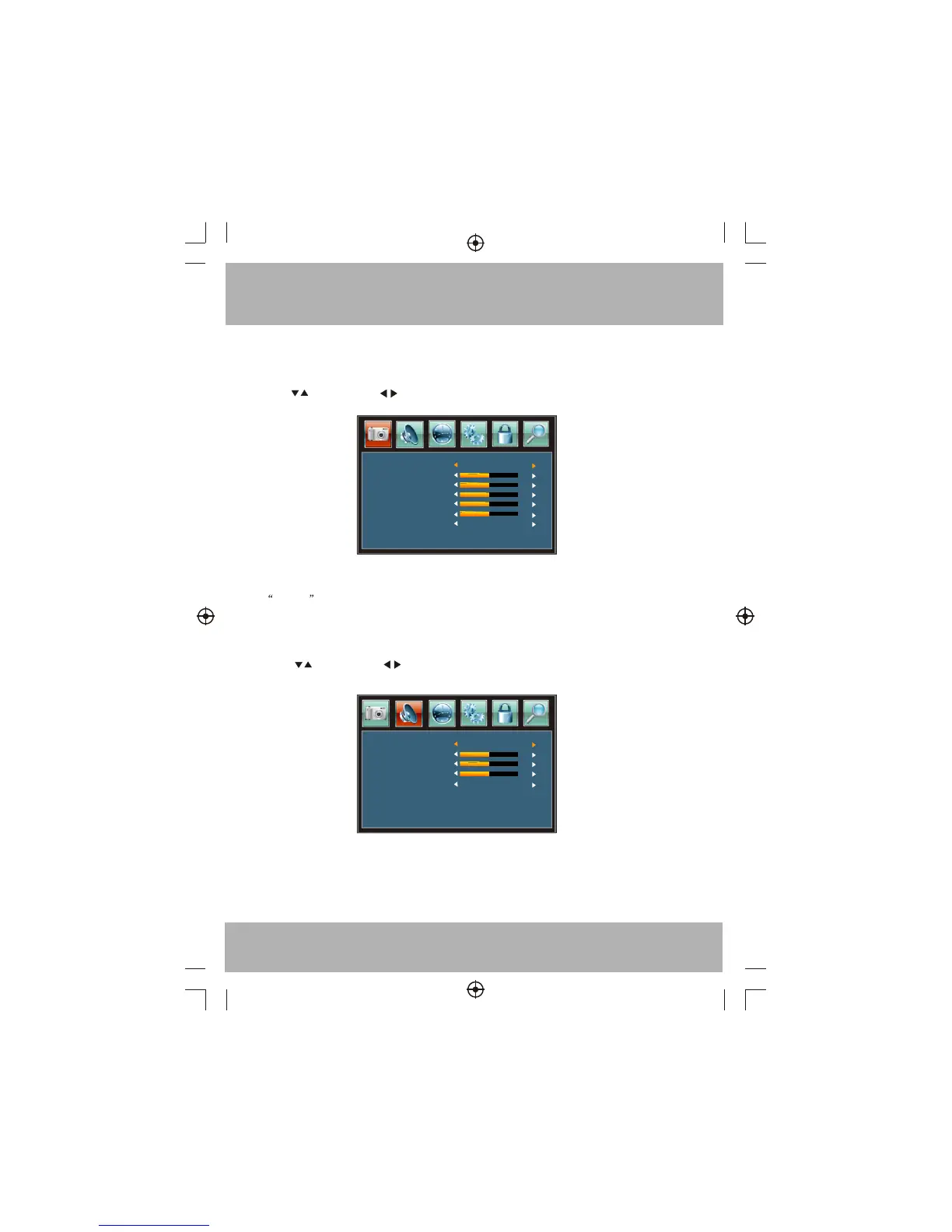
The first item of the MENU is PICTURE MENU.
You can adjust picture effect here, such as contrast, brightness, etc.
Press to select, press to adjust, press MENU to exit.
Note:
If you want to adjust contrast, brightness, color and sharpness , the picture mode must return to
personal status.
1. PICTURE MENU
Picture mode
Standard
Contrast
50
Brightness
50
Color
50
Tint
Sharpness
Color Temp.
Normal
50
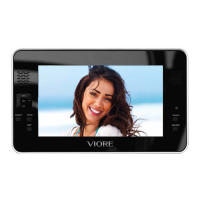
2.AUDIO MENU
The second item of the MENU is AUDIO MENU. You can adjust sound here.
Press to select, press to adjust, press MENU to exit.
50
Sound mode
Standard
Treble
50
Bass
50
Balance
0
Prefer Language
Audio Channel 1


 To Next Page