18
6. Channel MENU
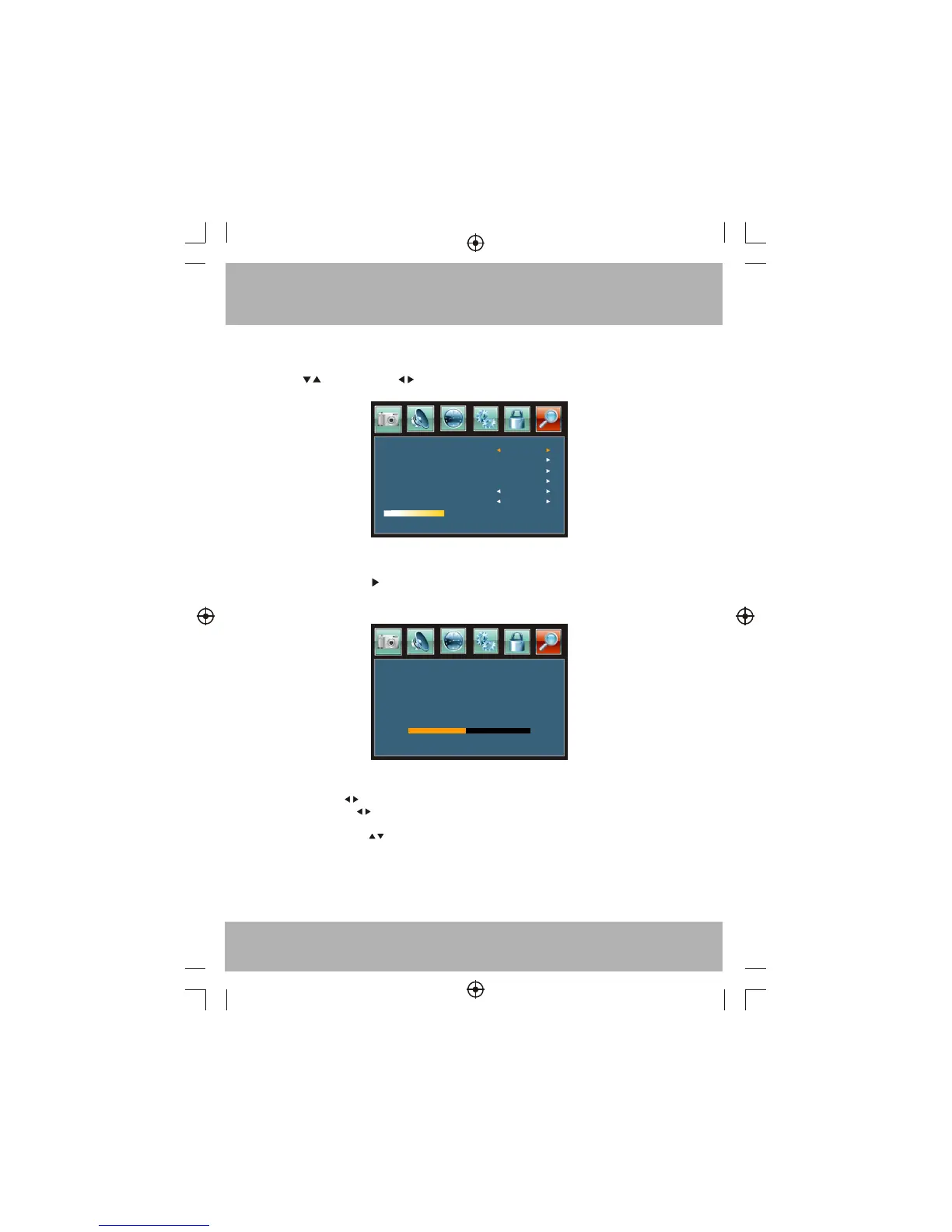
The right most icon is Channel MENU. You can adjust TV Channel .
Press to move, press to adjust here.
TV Source
Auto Scan
Air
6-1
Favorite
Show/Hide
Channel/NO.
Channel Label
!
Good
1). TV Source: select Air TV signal or cable TV signal.
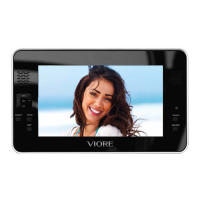
2). Auto Scan: press the button to confirm, you will see below menu :
3). Favorite: Press button to choose/delete the favorite channel .
4). Show/Hide: Press button to display or hide currently channel.
5). Channel NO . :Display the currently channel number.
6). Channel lable: Press button to edit currently channel name.
7). DTV signal: Display DTV signal intension. It can't be selected and adjusted.
R F CH
Found
Digital
18
1
1
Press MENU to exit auto scan
ATV
2


 To Next Page