14
2). Closed Caption: switch close caption mode.
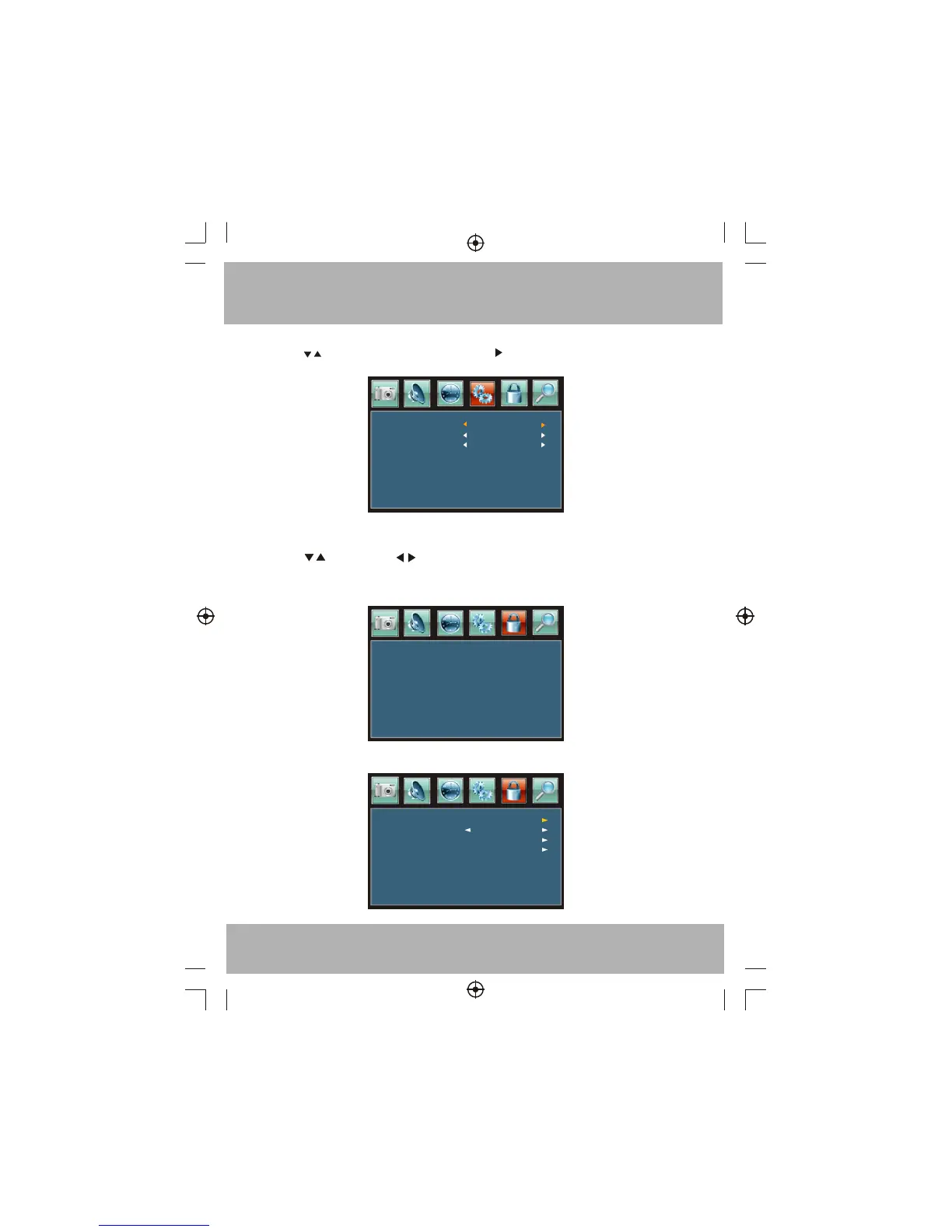
Press button to select Closed Caption ,Press button, the screen will display as follow:
5. V-CHIP MENU
The fifth item of the MENU is V-CHIP MENU. You can setup here.
Press to select, press to adjust, press MENU to exit.
Parental Control
Parent control: input the password, it will go into menu. Factory default
password is 6666.
Parental Control
5.1 .Input the correct password ,the screen will display as follow:
CC Mode
Basic Selection
Advanced Selection
CC On
CC4
Service 3
Enter password
----
Change password
On
System Lock
US
Canada


 To Next Page