15
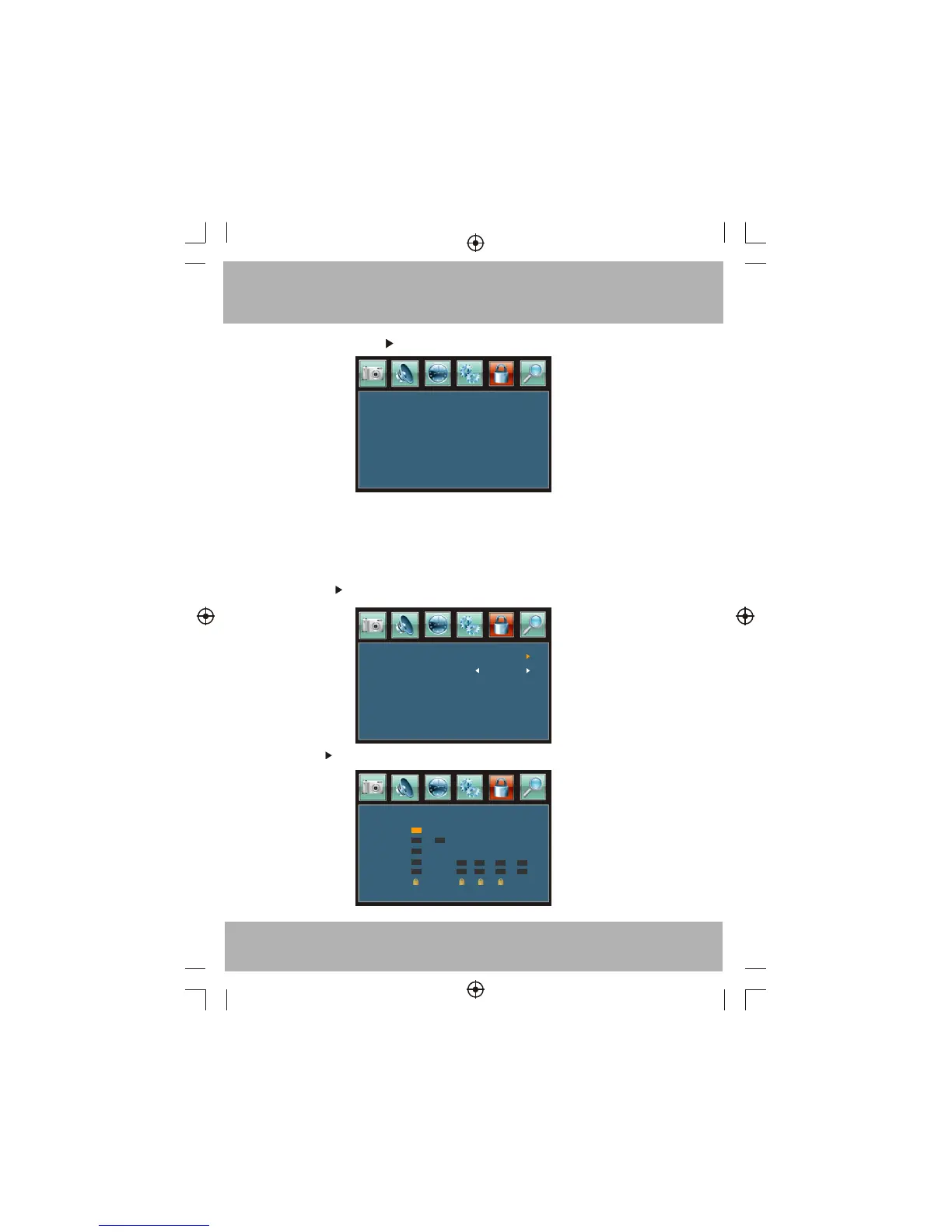
1). Change Password: Press button, the screen will display as follow:
2).Enter New password: Input the new password.
3).Confirm password: Input the new password again.
5.2 V-CHIP switch:
When the System Lock is ON, the below options can be adjusted.
5.3 US: Press button, the screen will display as follow:
1):TV: Press button, the screen will display as follow:
Enter Old Password
Enter New Password
Confirm Password
----
TV
MPAA N/A
ALL FV V S L D
TV-Y
TV-Y7
TV-G
TV-PG
TV-14
TV-MA
1).Enter Old Password: Input the old password.



 To Next Page