EasyManua.ls Logo

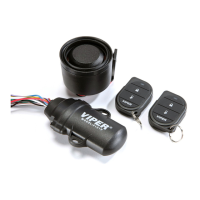
Viper 3121V - Standard Remote Configuration; Remote Learning

Viper 3121V
24 pages
Print Icon
To Next Page IconTo Next Page
To Previous Page IconTo Previous Page
Loading...
2
© 2017 Directed. All rights reserved.
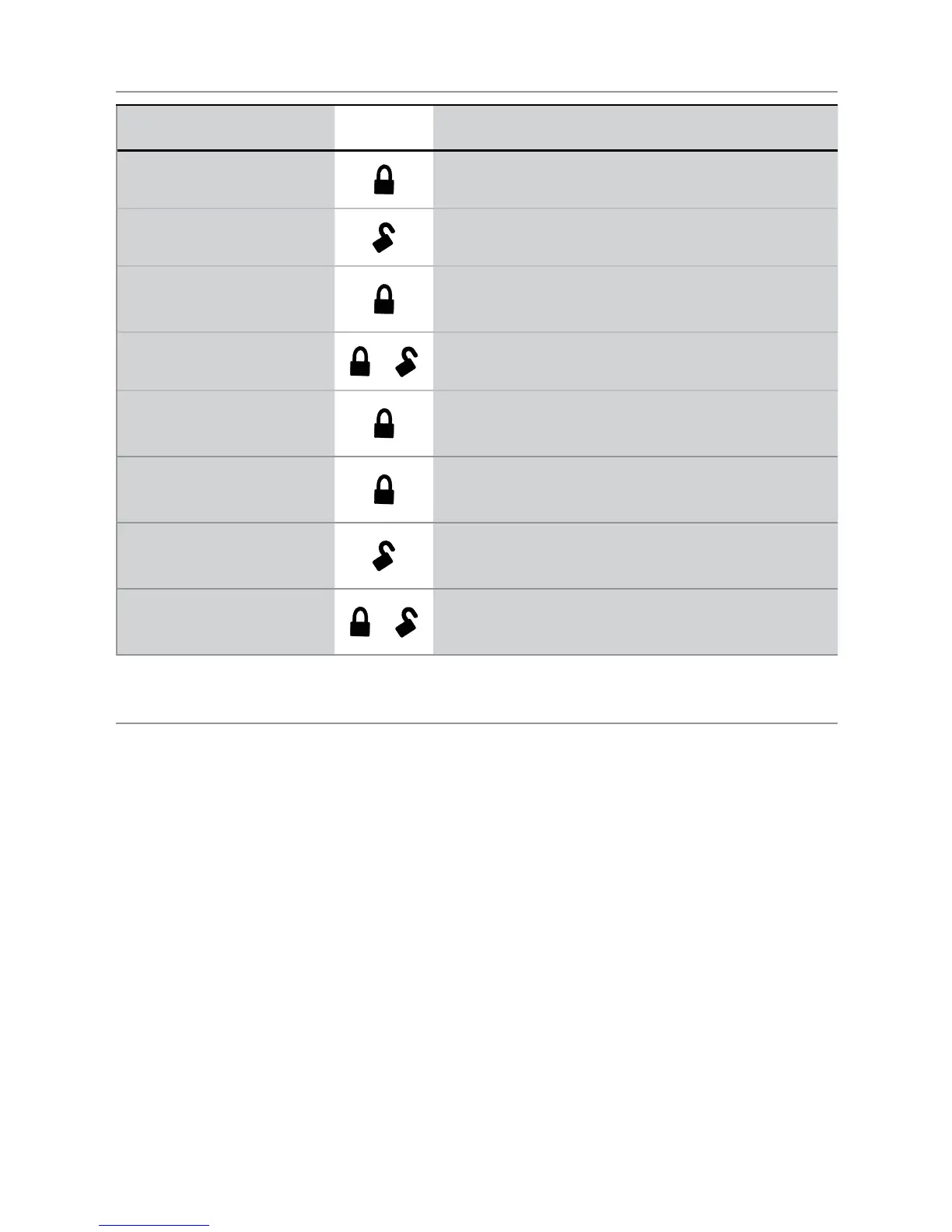
Standard Remote Configuration
Function Button Action
Arm
A U X
Press and release
Disarm
A U X
Press and release
Panic
A U X
Press and hold (any system state)
Aux Output
A U X
+
A U X
Press and release (any system state)
Tilt bypass
A U X
Press and release within 5 seconds of arming
system
All Sensor Bypass
A U X
Press and release 2 times within 5 seconds
of arming system
Anti-Jacking (On & Off)
A U X
Press and hold (ignition on & system
disarmed)
Valet mode
A U X
+
A U X
Cycle ignition on & off twice, then press
and release
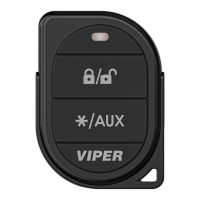
2-Button Transmitter
Remote Learning
In case the remote is lost, or you want to add another remote (up
to 4 max), perform the following procedure:
1. With the system disarmed, turn the ignition ON & OFF 5
times within 15 seconds, and stay in the ON position on
the fifth time you turn the ignition ON. 3 seconds later the
Siren will chirp 3 times to indicate the system entered remote
learning mode.
2. Press any button on the remote. The siren will chirp the num-
ber of times corresponding to the sequence of the remote
location in the system. For example, the first remote learned

Related product manuals