6
© 2013 Directed. All rights reserved.
6
Remote Control Information
Feature Description
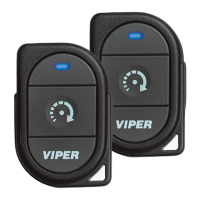
Internal Antenna Used for transmitting and receiving information
Display Status screen - the upper portion of the display contains status
icons for the System, Remote Start and Remote Control.
Text field - the lower portion of display - shows the Clock,
Runtime or Temperature during Remote Start, as well as
Command confirmations, Page messages and programming
menus
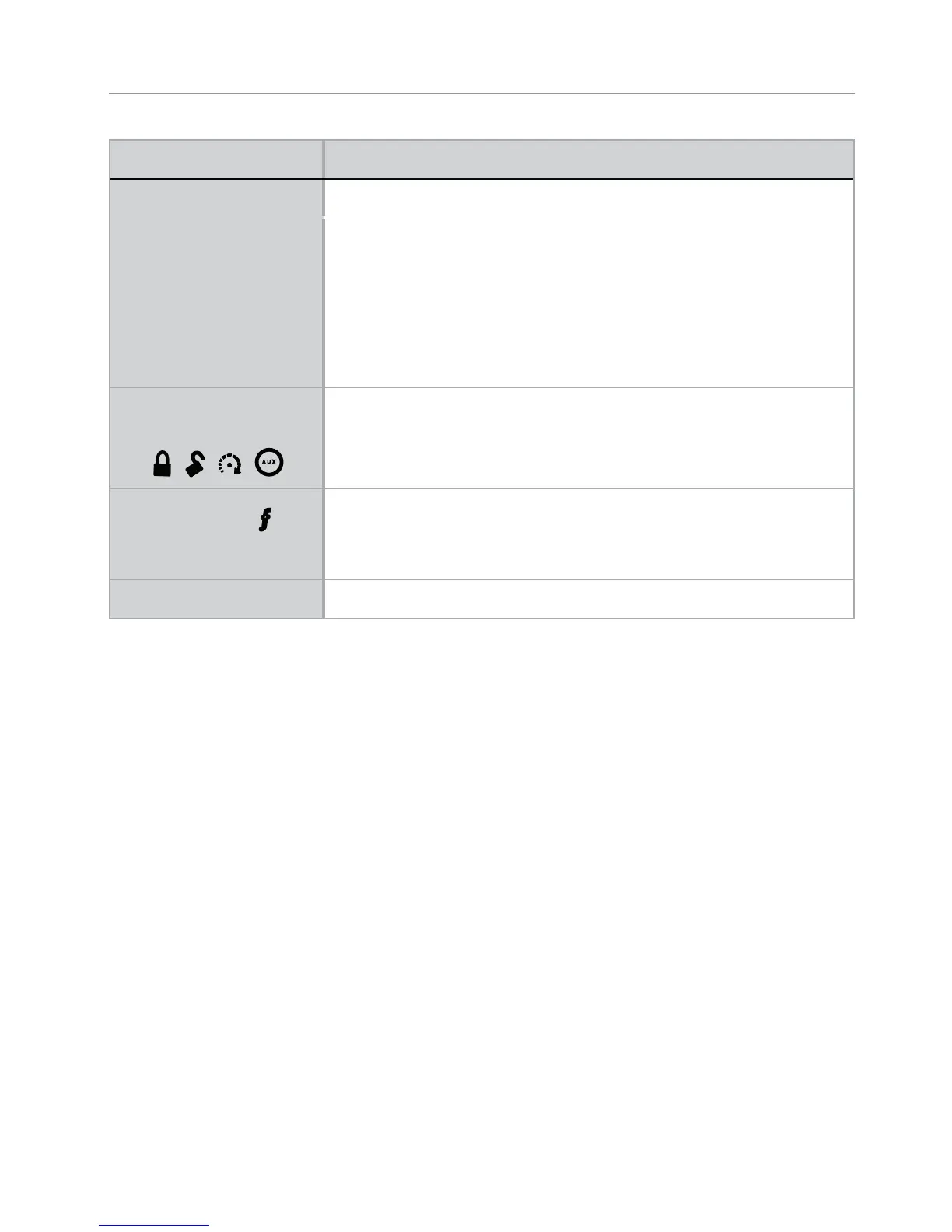
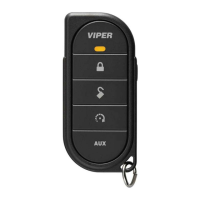
Command buttons (4)
A U X
Used to perform Locking, Unlocking, auxiliary channel and
remote start commands
Function button
Used to access function levels for commands, configura-
tion menus for programming, Car Selection, and to request
reports.
Mini-USB Port The battery charger plugs into this port.



 To Next Page