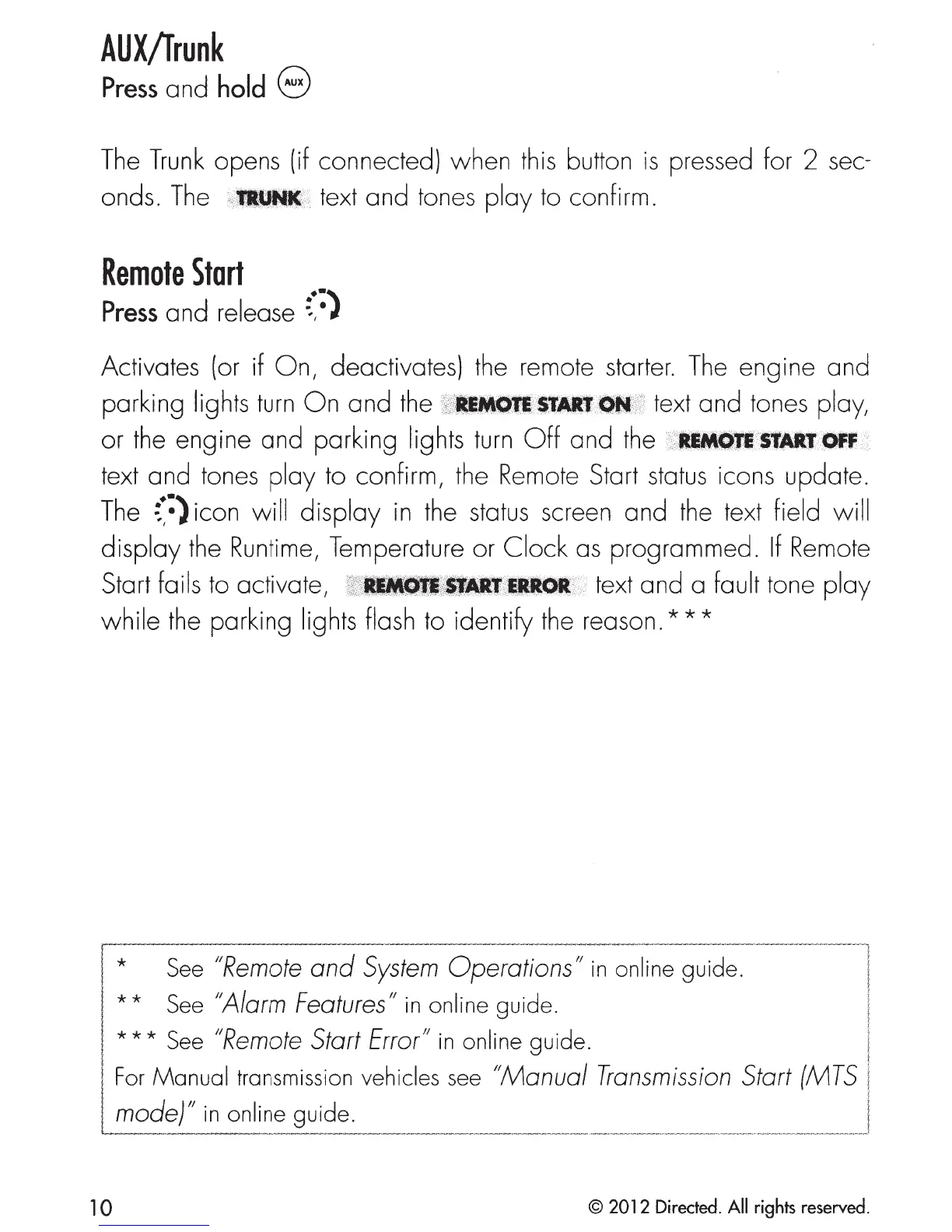
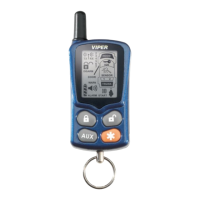
AUX/Trunk
Press
and
hold
8
The
Trunk
opens (if connected) when this button
is
pressed for 2 sec-
onds.
The
>"IIUNII
text
and
tones
ploy
to confirm.
Remote
Start
Press
and
release
~~:}
Activates (or if
On,
deactivates) the remote starter.
The
engine
and
parking lights
turn
On
and
the
~~WIIMDIII1111•tt:@"'
text and tones ploy,
or the engine and parking lights
turn
Off
and the
;>WIIIlfiii>B~Jlt:Jlff
text and tones
ploy
to confirm, the Remote Start status icons update.
The
{:}icon
will
display
in
the status screen
and
the text field will
display
the Runtime, Temperature or
Clock
as
programmed.
If
Remote
Start foils to activate,
ss'llflfi11WIIiltvlllfll
7
t>
text and a fault tone
ploy
while
the parking lights flash to identify the
reason.***
j *
See
"Remote
and
System
Operations"
in
on-~~e
gu~e.-------------
-
---
1
I
**
See
''Alarm
Features"
in
online guide. ;
J * * * See "Remote Start Error"
in
online
guide. ;
I
~~:~~~~~~~~~;m~~~;;_
vehic~es~:"~a:~
T==~~:::_:~~~:_:
10
© 2012 Directed. All rights reserved.



 To Next Page