19
© 2018 Directed. All rights reserved.
AUX 4
Press and release AUX
Activates (or if ON, deactivates) the AUX 4 output. The AUX LED and
ON tones or OFF tones play to confirm.
Remote Control Configuration
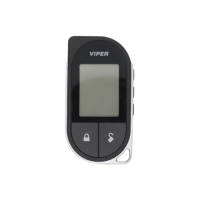
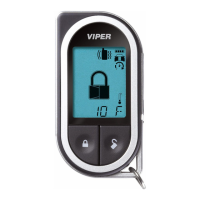
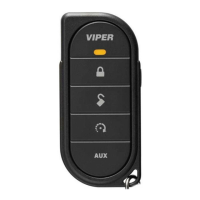
The Responder LE and 1-way companion remote controls have op-
erations that can be configured to a user’s personal preferences. The
following instruction directs you through the available programming
options for both remote controls.
Remote Features
To Enter Programming:
1. Press and hold the
button for eight seconds until the transmit
LED turns on, then release the
button.
2. Within 30 seconds press and hold the
button for two sec-
onds until the transmit LED flashes then comes on solid, then re-
lease the
button.
3. The remote is now ready for configuration. Press the buttons indi-
cated in the tables below to set the desired feature options.
4. To save the changes once the remote has been configured press
the
button once, and then press and hold again, the transmit
LED will shut off to confirm exiting.


 To Next Page