37
© 2018 Directed. All rights reserved.
Feature not Available
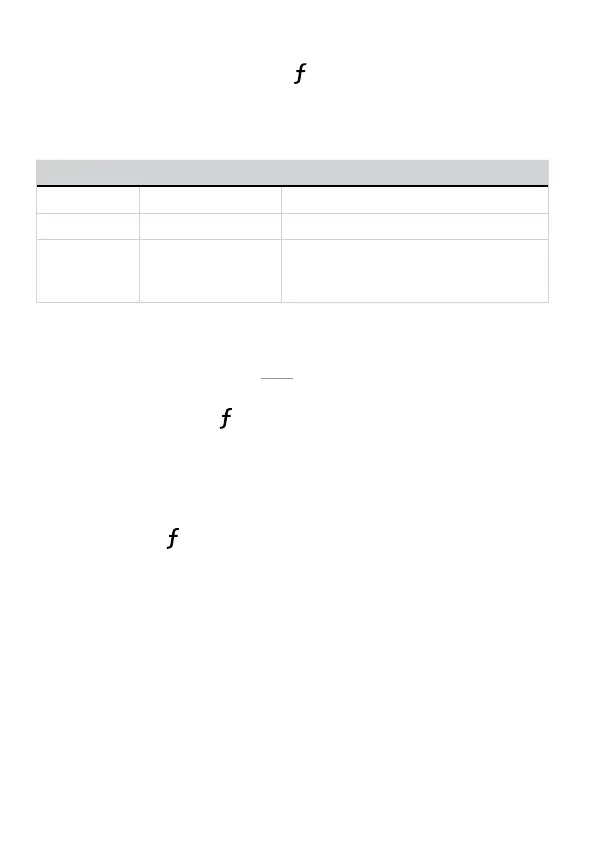
The Feature Not Available output (
LED on and long fault tone) is a
generic one which varies in cause and solution depending upon the
command used:
Command Cause Reason/Solution
Runtime Reset Remote Start is OFF Only available when Remote Start is ON
Sensor Bypass System is not armed Only available when system is armed
Defroster Remote Start is OFF.
Not configured for
this.
Only available when Remote Start is ON.
Only available when configured for
Defroster control.
Car Select
Car 2 remote control option must first be turned ON (see “Remote
Control Configuration” on page 19 to turn on).
1. Press and hold the
button for three seconds. The remote flash-
es the LED and beeps once or twice to indicate the selected Car
is 1 or 2.
2. Release the button for Car Select or continue to hold for program-
ming.
3. Release the
button, then press and release while the LED
and beeps continue to perform Car Select. Once the car is
selected a command can be performed by pressing one of the
command buttons.


 To Next Page