Using
Your
System
Unlocking
Only
after
the
vehicle
is
remotely started via
the
transmitter,
press
and
release
the
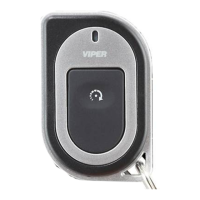
transmitter button for 1 second
to
unlock
the
vehicle's doors.
The
remote responds with 2 short beeps and
the
green
LED
on
the
re-
mote flashes once.
The
vehicle responds by flashing
the
parking lights
twice and honking
the
horn twice to confirm unlocking.
Note:
horn honk
is
an optional feature.
Cor
Finder
Before
the
vehicle
is
remotely started via
the
transmitter,
press
and
hold
the
transmitter button for 3 seconds to activate the car finder
function.
The
vehicle responds
by
flashing
the
parking lights 5 times
slowly.
The
remote responds with 1 short beep and the orange
LED
on
the
remote flashes once.
Ignition
Controlled
Door
Locks
DRW-94
LOCK
~
I
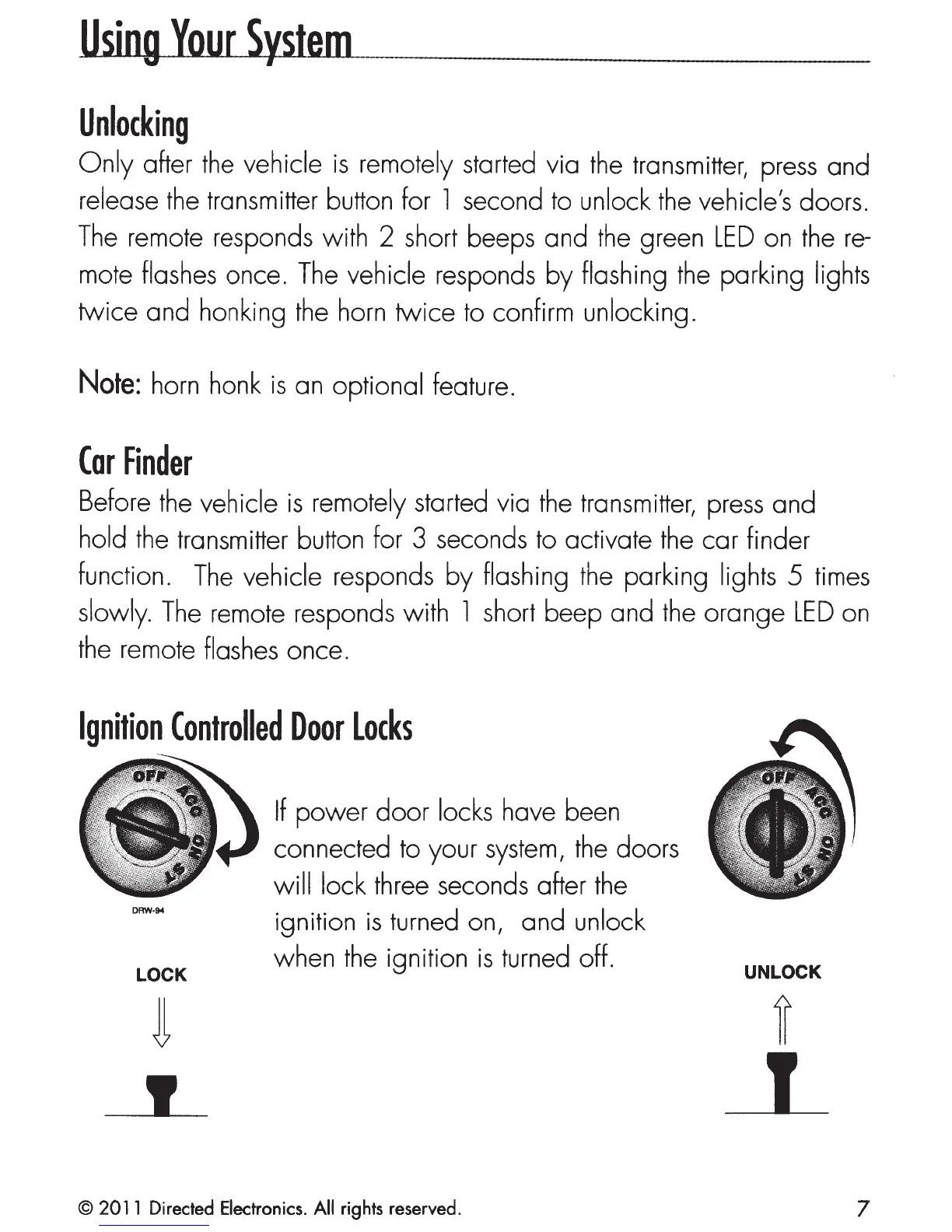
If
power
door
locks have been
connected to your
system,
the
doors
wi
II
lock three seconds after
the
ignition
is
turned on, and unlock
when
the
ignition
is
turned off.
© 2011 Directed Electronics. All rights reserved.
UNLOCK
7



 To Next Page