COMPUTER INSTRUCTION
OPERATION
5. Program Mode
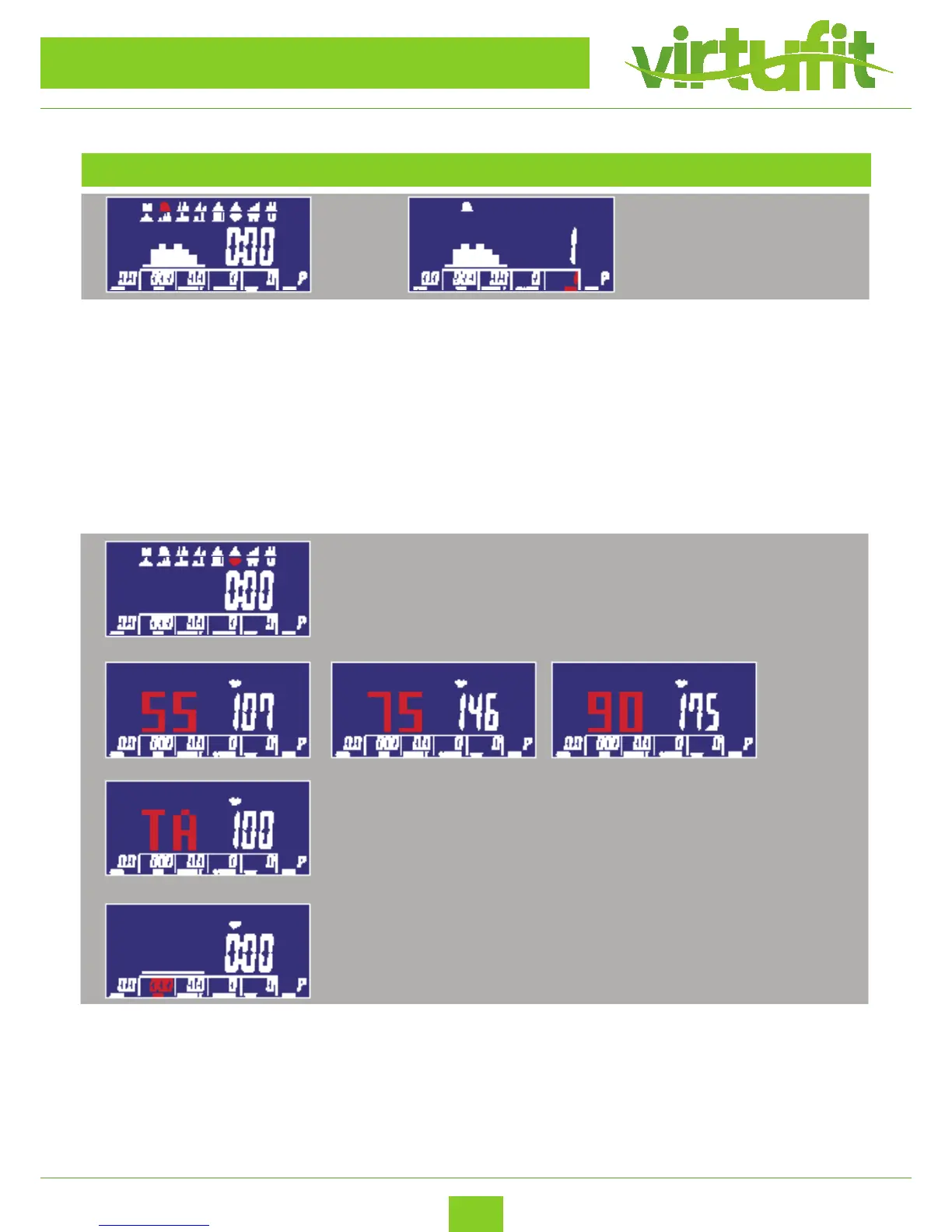
(1) Turning and pressing encoder can selecting P01,P02,P03,P04......,P12 in PROGRAM MODE. The PRO
GRAM gure would ash until setting down.
(2) The PROGRAM gures would display dierently as selecting.
(3) After setting TIME pressing START KEY to start program. After START user still can adjust LEVEL and
matrix display LEVEL and value. In three seconds without any entry then would display WATT value.
6. H.R.C Mode
(1) User can select 55%, 75%, 90% and TARGET value by turning and pressing encoder to conrm.
During selecting the default value, which is calculated by age, would ash.
(2) After setting TIME pressing START KEY to start program.



 To Next Page