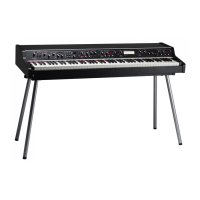
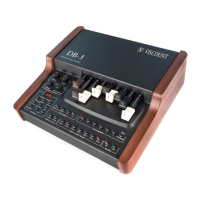
Viscount Allegro
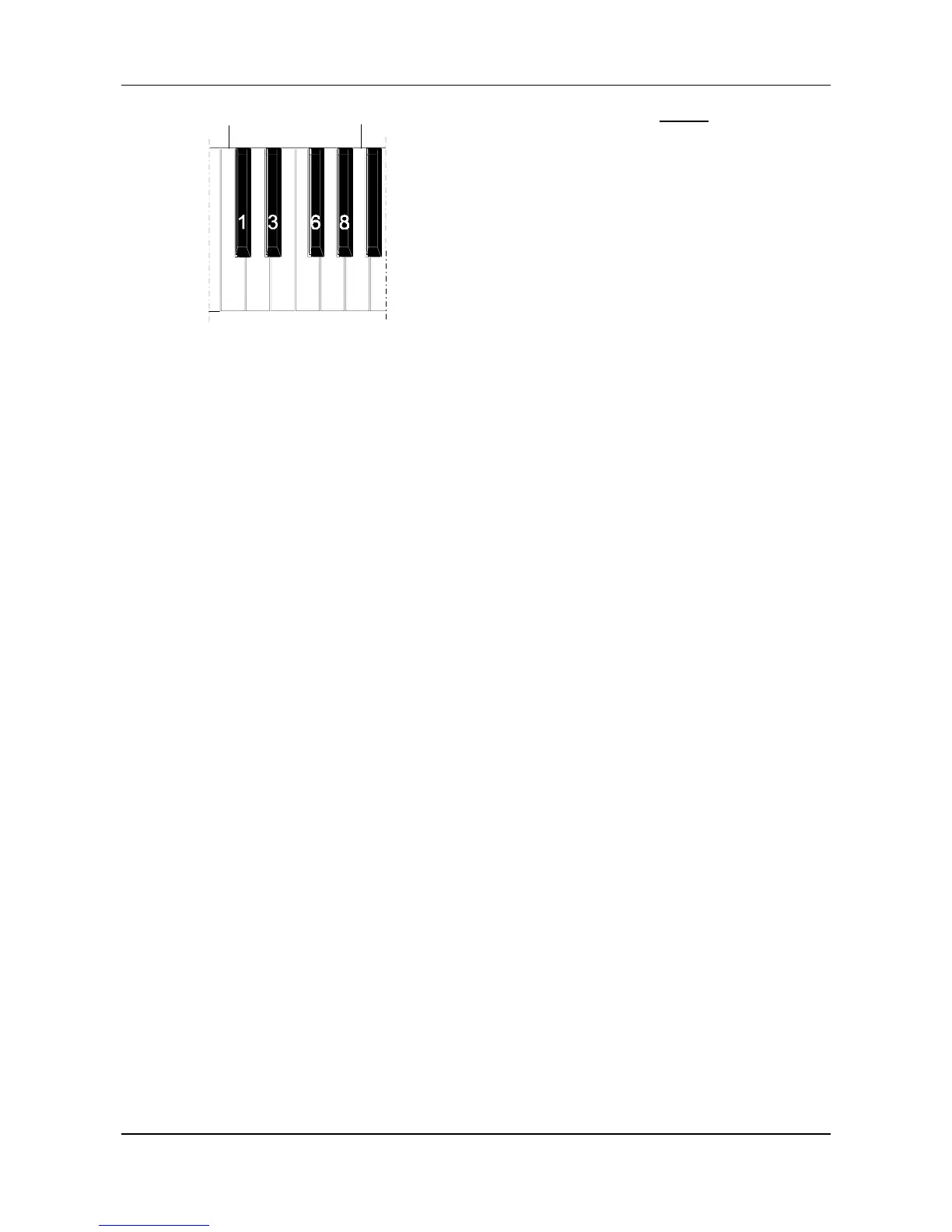
45
C1
A1
0 24579
The number must always consist of three
figures. For example, to enter number 45,
press keys C1, E1 and F1, i.e. 0, 4 and 5.
Once the third figure is entered, the
Program Change will be transmitted; to
indicate this, the LED of the
[STRINGS-PG
SEND]
key will remain on for two seconds
and will then go out, leaving the LED of the
[FUNCTION]
key flashing.
Press this key to exit from the MIDI
function, or press the relative key to pass to
another MIDI function.


 To Next Page
 Loading...