DB-3 Drawbar Organ
42
As for the bass, you can use the display to regulate the volume and the split point of the
Lower section.
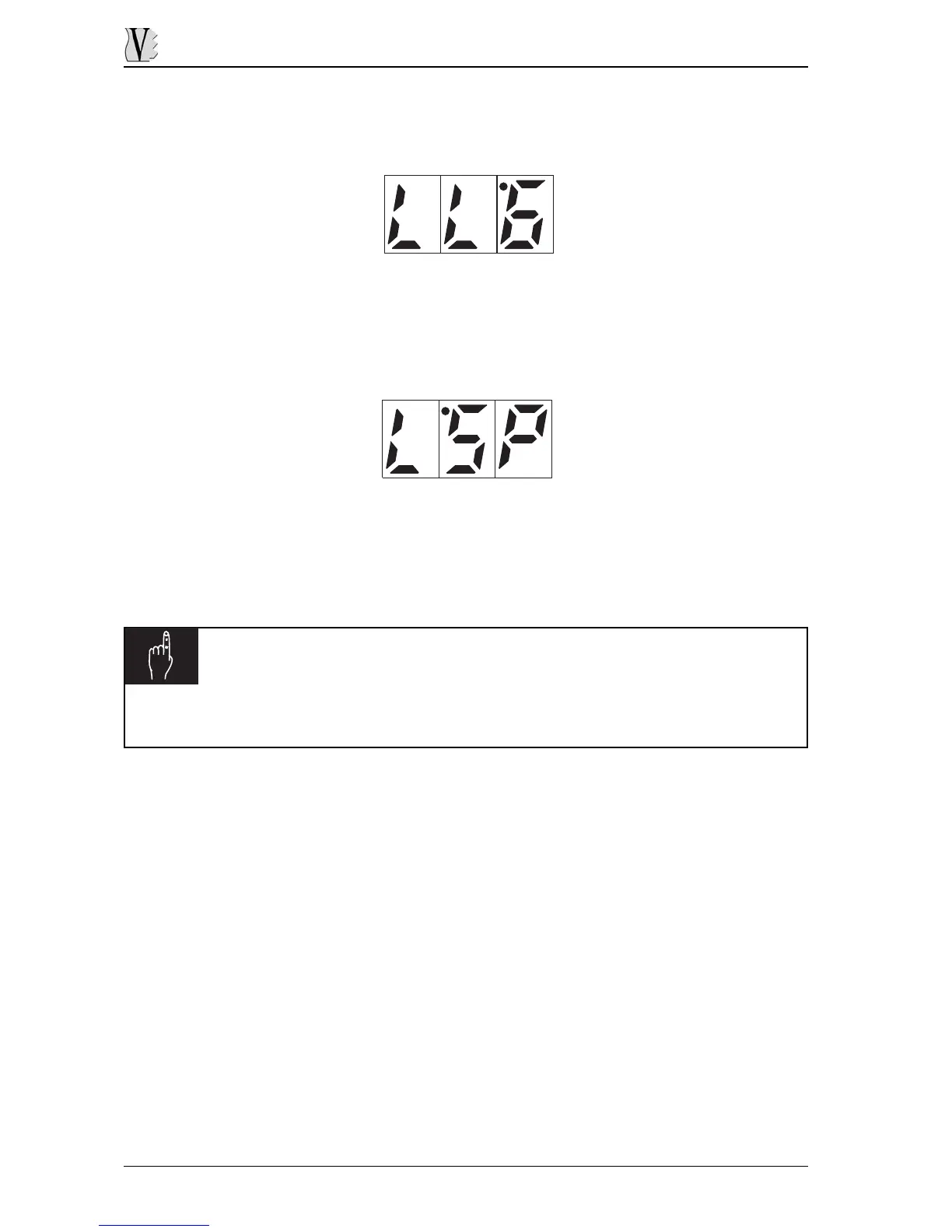
To do this, press the [LOWER] button; the display will show the current volume value:
Use the VALUE [+] and [-] buttons to set the value required.
Pressing [LOWER] button again the display will show the video page to set the desidered
split point.
To do this press VALUE [+] button, the display will show (flashing) the current key setted
as split point. Now press the desidered key on the keyboard to set it as new split.
After this the display will show the new split point then will return to the previous video
page.
N.B.
Setting the split points (Lower and Bass) using MIDI, remember that the minimun split point is C2.
Any lowest note, therefore, will set the split point as C2.










 To Next Page