11/12
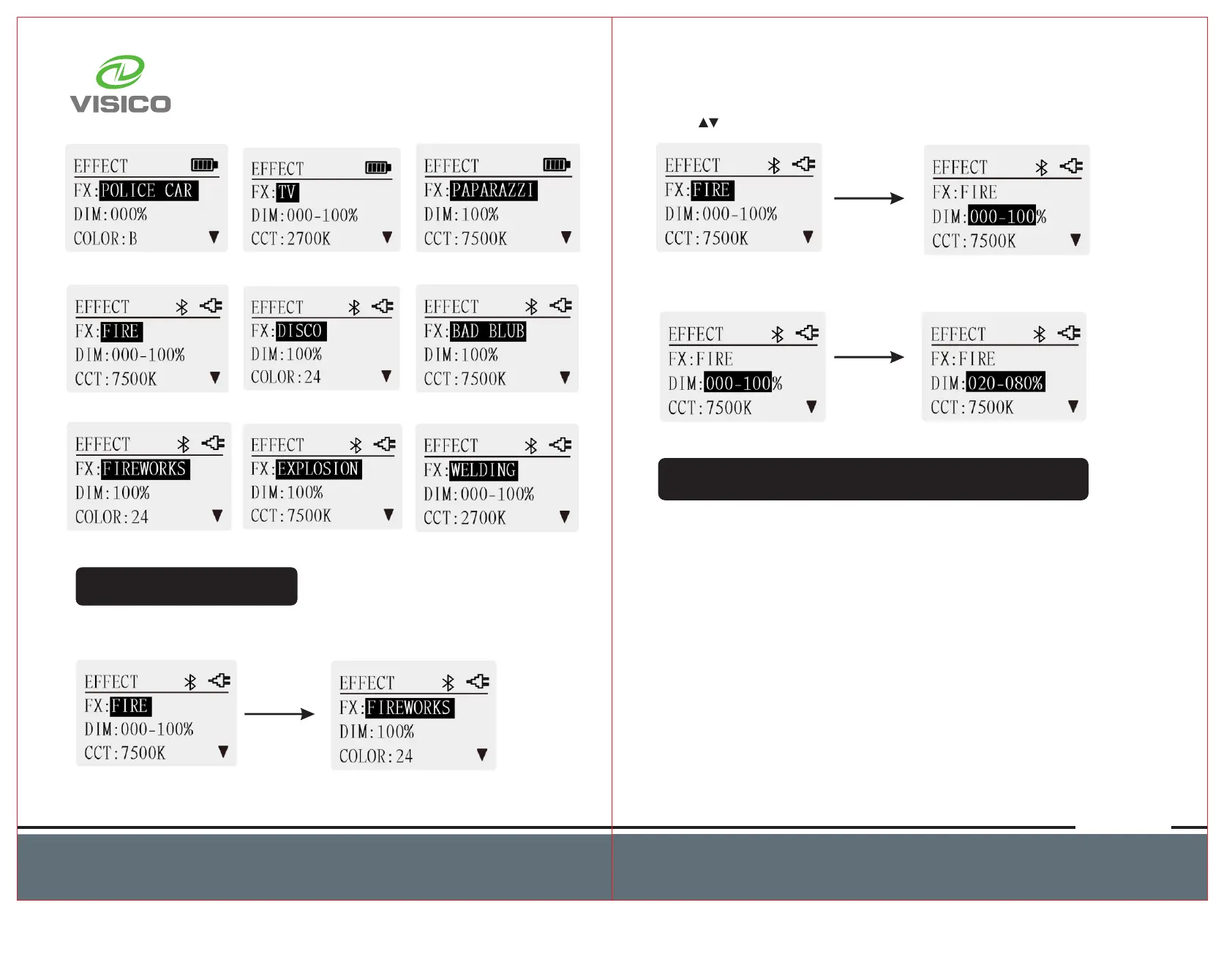
Set Special Effect
Press MODE button to select EFFECT Mode. Rotate knob to
select desired effect.
Press button to change function options.
Rotate knob to change the value of every function option.
Pixel Effect Mode(Only with FT-650RX)
There are 12 pixel effect modes, including HUE LOOP, CCT LOOP,
INT LOOP, MULTICOLOR, FADE, PROCESS、SCROLL,FIRE,
RAINBOW,DRIVING, POLICE CAR, AMBULANCE.
Note:PROCESS,FIRE and DRIVING will only be displayed on the
light fixture via the control of APP.
The setting of pixel effects mode is the same as the special effect
mode.



 To Next Page