Vision 1624R, 2525 and 2550 Series 5 Installation Guide52
© 2019 Vision Engraving & Routing Systems
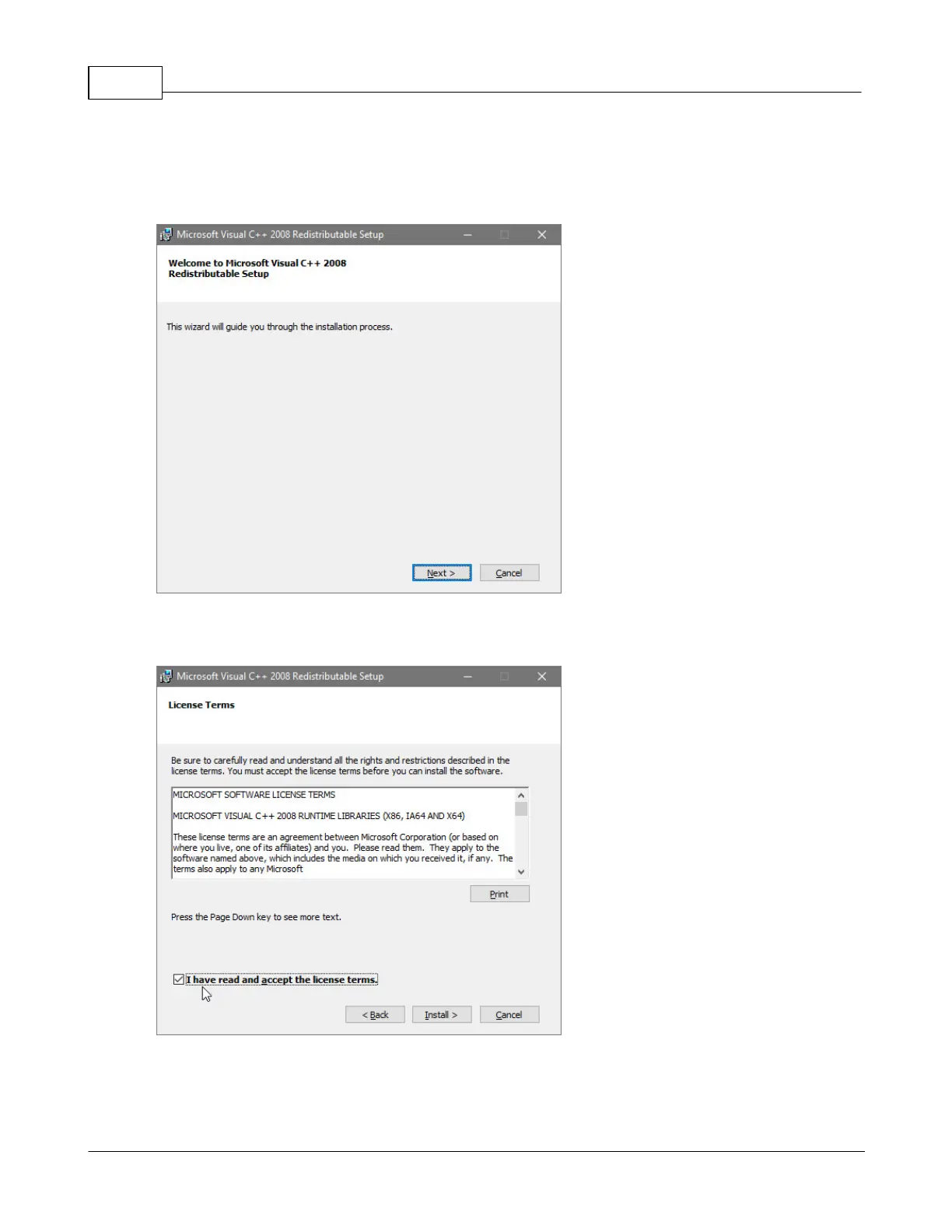
Select Next on the "Microsoft Vision C++ installation" screen.
NOTE: This screen will not appear if the Windows feature is already installed on the computer.
Select the I have read and accept the license terms box then select Install.
NOTE: This screen will not appear if the Windows feature is already installed on the computer.



 To Next Page