Vision Series 5 Controller User Manual90
© 2019 Vision Engraving Systems
7 Sending Jobs to Your Machine
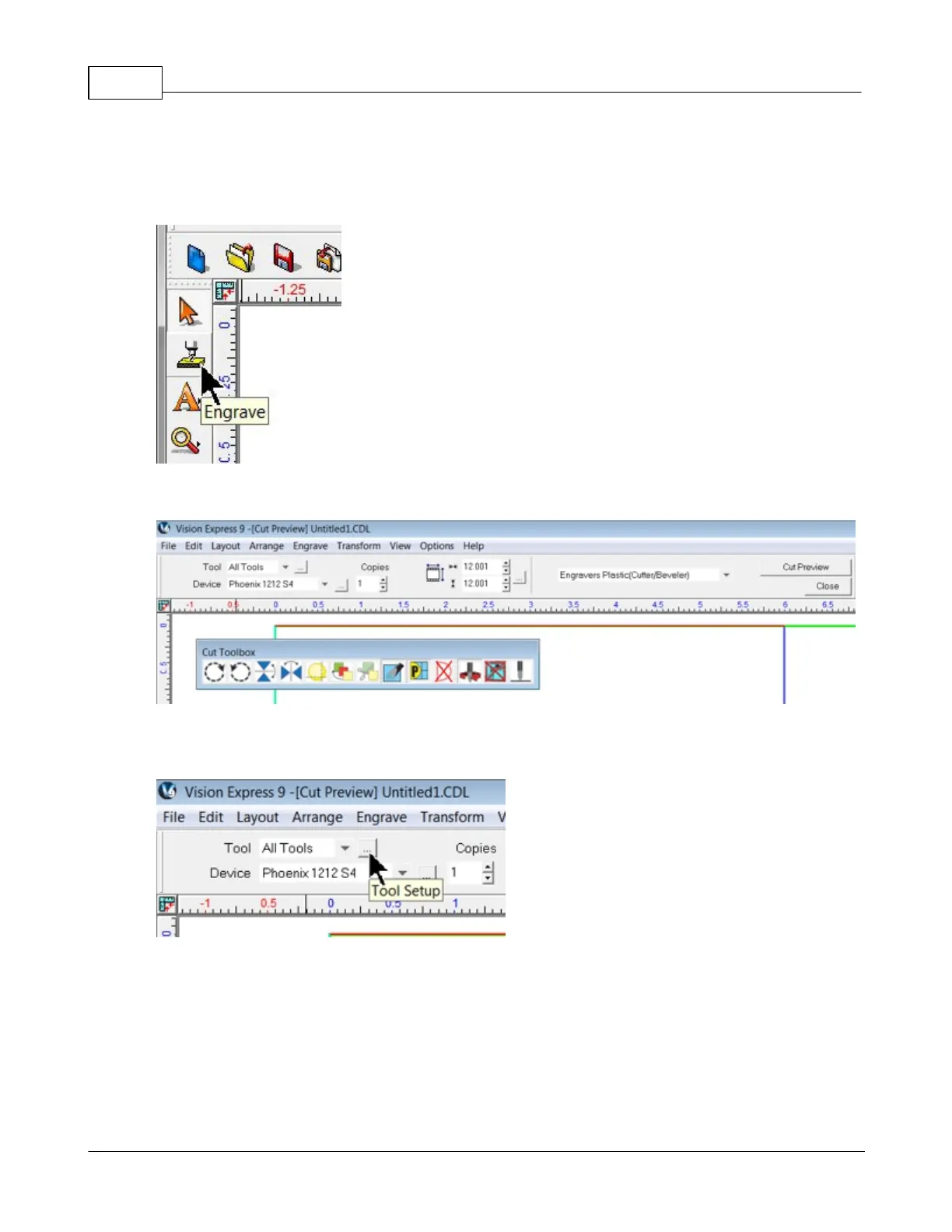
Once a job has been set up in the Vision 9 software, select the Engrave icon from the left toolbar.
The Cut Toolbox window will appear and the top toolbar will change to the Engrave toolbar.
Make sure the Device is set to the machine you wish to send the files to, then select the Tool Setup icon
to open the Tool Setup window.



 To Next Page