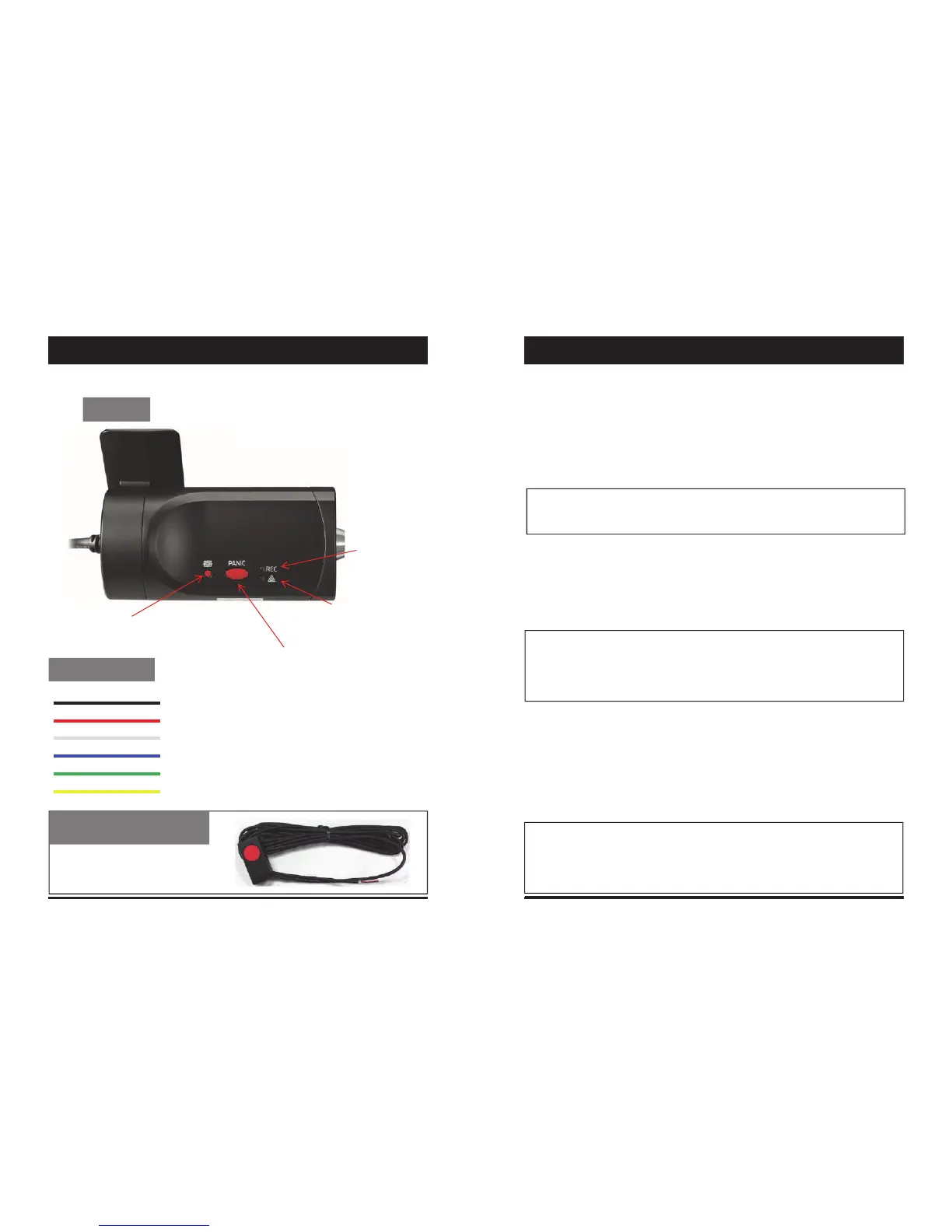
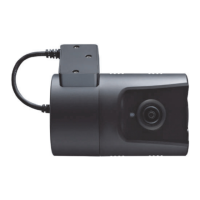
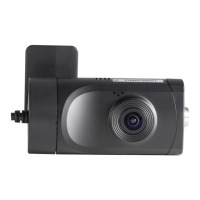
BACK
RecordLED
BLUELED
WarningLED
REDLED
PanicRecordButton
G‐SensorCalibrationbutton
PowerCable
Black(Ground)
Red(Power+)
White(Externalpanicbutton+)
Blue(Externalpanicbutton‐)
Green(Alarmout1),Low(0V)toHigh(5V)2seconds
Yellow(Alarmout2),Low(0V)toHigh(5V)2seconds
ExternalPanicButton
(optionalItem)
Cablelength:2m90cm
ButtonCaseSize:18x39x10mm
bootup,thiswilltakearound1minutefortheunittobereadytorecord.
Thedefaultsettingforrecordisthecontinuousrecordingat30fps,720P
resolution.Thissettingallowsforseparateeventandpanicrecordings.Onthis
settingtheSDcardstoragemaybeusedupquickeranddependingonthesettings,
overwriteorstoprecordingwhenfull.Toavoidlosingvaluabledata,backupdata
toaseparatestorageorPCdeviceafteranyincidents.
ContinuousRecord(WhenRecordmodesetas“Continuous”)
Thisisthedefaultmodeforrecording.Inthissettingtheunitwillbeginrecording
afterbootupandrecordtheentiretimetheunitispowered.
Theresolutionandframeratescanbesetasperyourrequirements.Youcanchange
theconfigurationoftherecordingusingtheVT1000Software.Todothis,pleasesee
the‘Settings’sectiononpage15.
NOTE:Theunitwillnotstartrecordingimmediatelyafterpoweron.Ittakes
around1minuteforthebuilt‐inpowerbackupsystemtocharge.Thereafter,the
internalflashmemorywillbereadytorecord.
EventRecord(WhenRecordmodesetas“Event”)
Theunitwillrecordwhentriggeredbyeitheranimpactorapushofthe‘PANIC’
button.Insuchevents,15secondsofpreandposteventswillbestoredseparatelyon
theSDcard.
NOTE:
Whenrecordingat30fps,(1080PHD)resolution,separateeventfiles(Shockand
Panic)willnotbestored.Ifyouwishtokeepseparateeventfiles,changethe
Parkingmode: IfG‐Sensorvalueisnotchangedduring5minutes,therecord
frameratewillbeautomaticallychangeto1FPS.Whenavehiclestartstomove
thentheparkingmodewillswitchoffautomaticallyandstartthecontinuous
recordingimmediately
This“Parkingmode”canbesetwhentherecordmodesetas“Continuous”.
7 8
FUNCTIONSINTRODUCTION


 To Next Page