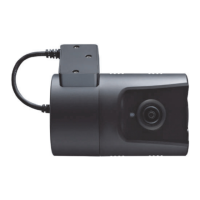
AttachtheVT1000usingtheprovideddoublesided3Mtape.
Thesurfacemustbecleananddrybeforeyouinstall.Werecommendedtoinstall
theproductbehindtherearviewmirroronthefrontwindshield.
NOTE:The3Madhesivetapewillnotstickwellwithdustoroil,etc.
Pleasemakesurethesurfaceiscleanbeforeapplying.
Adjustcameraview.Makesurethelenshasanunobstructedview.Checkfrom
outsidethevehicletocheckthecameraangle,youcanadjusttheangleviathe
bracketteeth.
Arrangethepowercordneatlyalongsideofthewindshieldanddoorpillartrim.
TheVT1000requiresacontinuous12/24voltpowersourcefromthevehicle.
ThecablesuppliedwillallowyoutohardwiretheVT1000unittothefuseboxof
yourvehicle.
Connectthe“redcable(+)”toafuse.Itshouldbeconnectedtoafusethathave
powerwhenyoustarttheengine.
Thegroundcableshouldbeconnectedtothecarbodyorbatterynegative.
Startthecarafterinstallation.
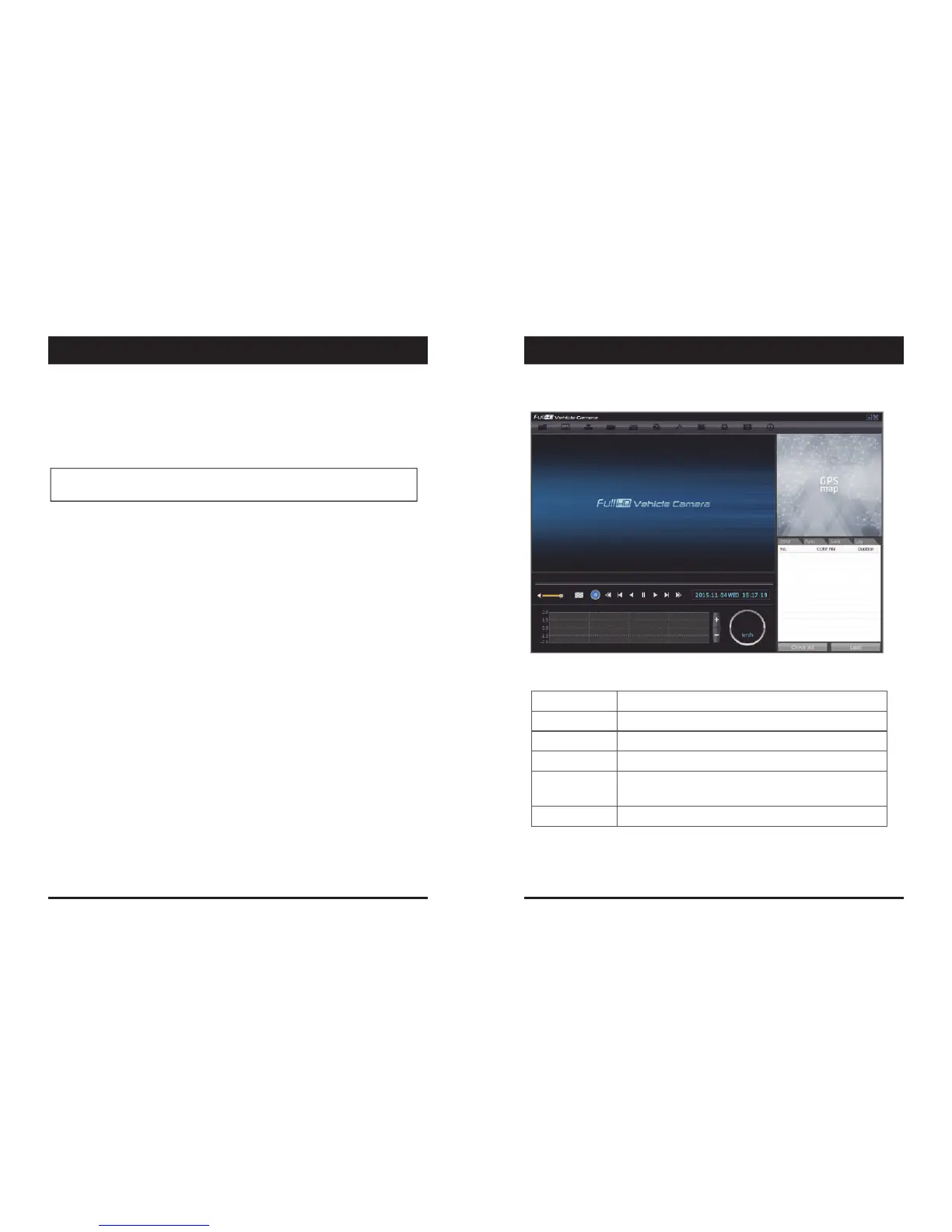
PCViewerSoftware
PCSYSTEMREQUIREMENT
IfthePCdoesnotmeettheminimumsystemrequirement,thePCViewer
Softwaremaynotfunctionproperly.
OS WindowsVista.Windows7,Windows8/8.1
CPU Core2Duo2.5GHzorHigher
RAM 2GBorHigher
Interface SDMemoryCardReader
HDD
Freespace
Install:55MBorHigher
Backup:4GBorHigher
Display 1024x768pixel/TrueColororhigher
RecommendedPCspecificationsforPCViewerSoftware
11 12
SOFTWARE USER GUIDEINSTALLATION


 To Next Page