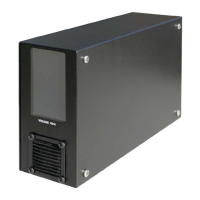
Installing the PTX-PRO 2-5PTX-PRO User and Technical Manual
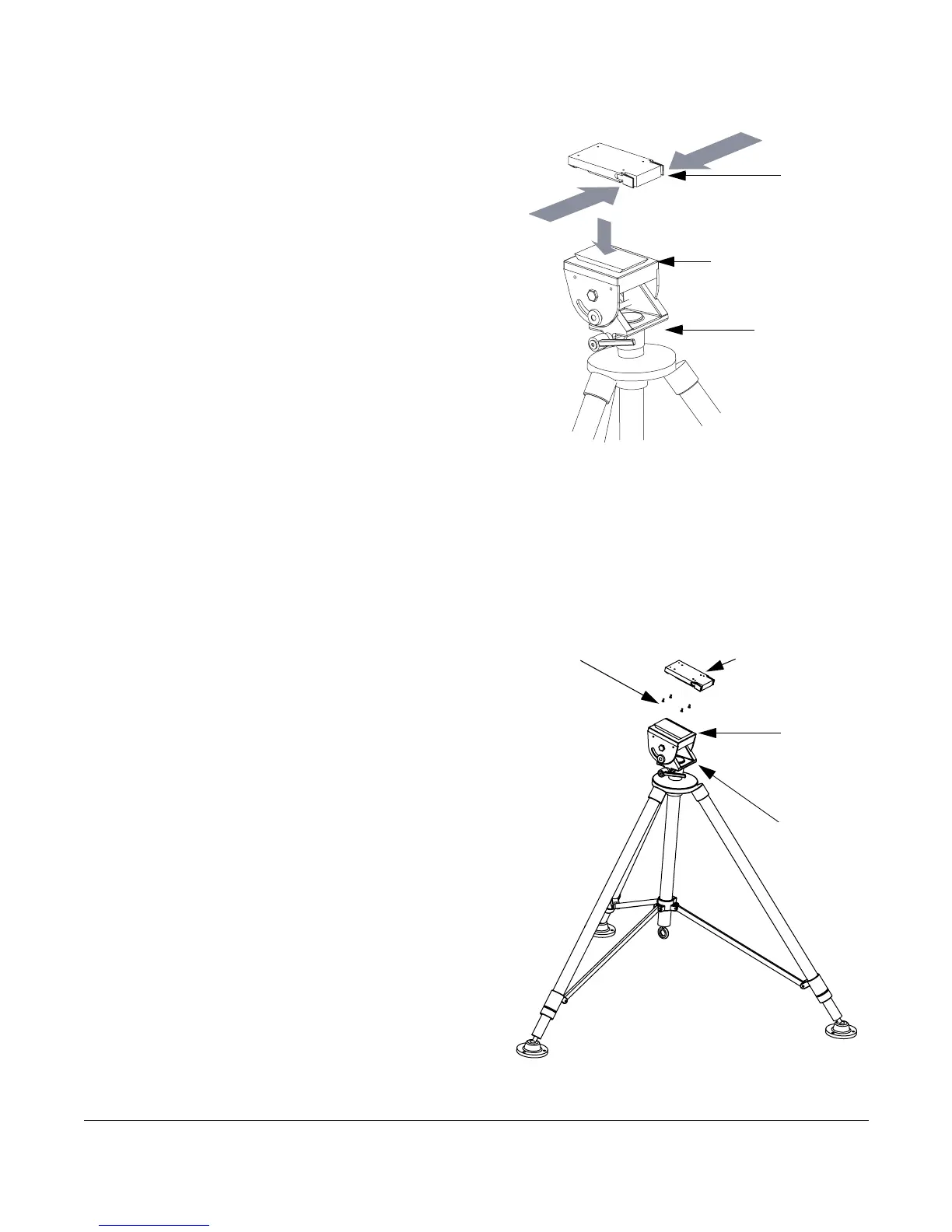
2.3 Mounting on an MRC Tripod
For portable applications, the PTX-PRO is moved
from place to place. The power, antenna, and audio/
video connections are set up and removed each
time.
You can attach the PTX-PRO to a Quick Release
Mount for easy mounting on an MRC tripod (see
figure). The Quick Release Mount is attached to the
bottom of the PTX-PRO using four 1/2-inch long, #6-
32, flat head screws.
You can keep the Quick Release Mount attached to
the PTX-PRO. The Quick Release Mount and PTX-
PRO are then attached to the Dovetail Adapter Plate
machined into the MRC tripod mount.
The versatility of the Quick Release Mount and a
mating Dovetail Adapter Plate let you attach the Dovetail Adapter Plate to the bottom of the
PTX-PRO and the Quick Release Mount to a non-MRC tripod, or vice versa.
2.4 Mounting on a Non-MRC Tripod
Option 1
To mount a PTX-PRO on a non-MRC tripod, attach
the Quick Release Mount to the bottom of the
PTX-PRO using four 1/2-inch long, #6-32, flat
head screws.
The Dovetail Adapter Plate is then attached to the
non-MRC tripod and the Quick Release Mount and
PTX-PRO assembly is attached to the Dovetail
Adapter Plate on the tripod mount.
Quick
Release
Mount
Dovetail Adapter
Plate (Machined)
MRC Tripod
Mount
Quick Release
Mount (Attached to
PTX-PRO)
Flat Head Screws
(4 Each)
Dovetail
Adapter
Plate
Tripod
Mount



 To Next Page