6
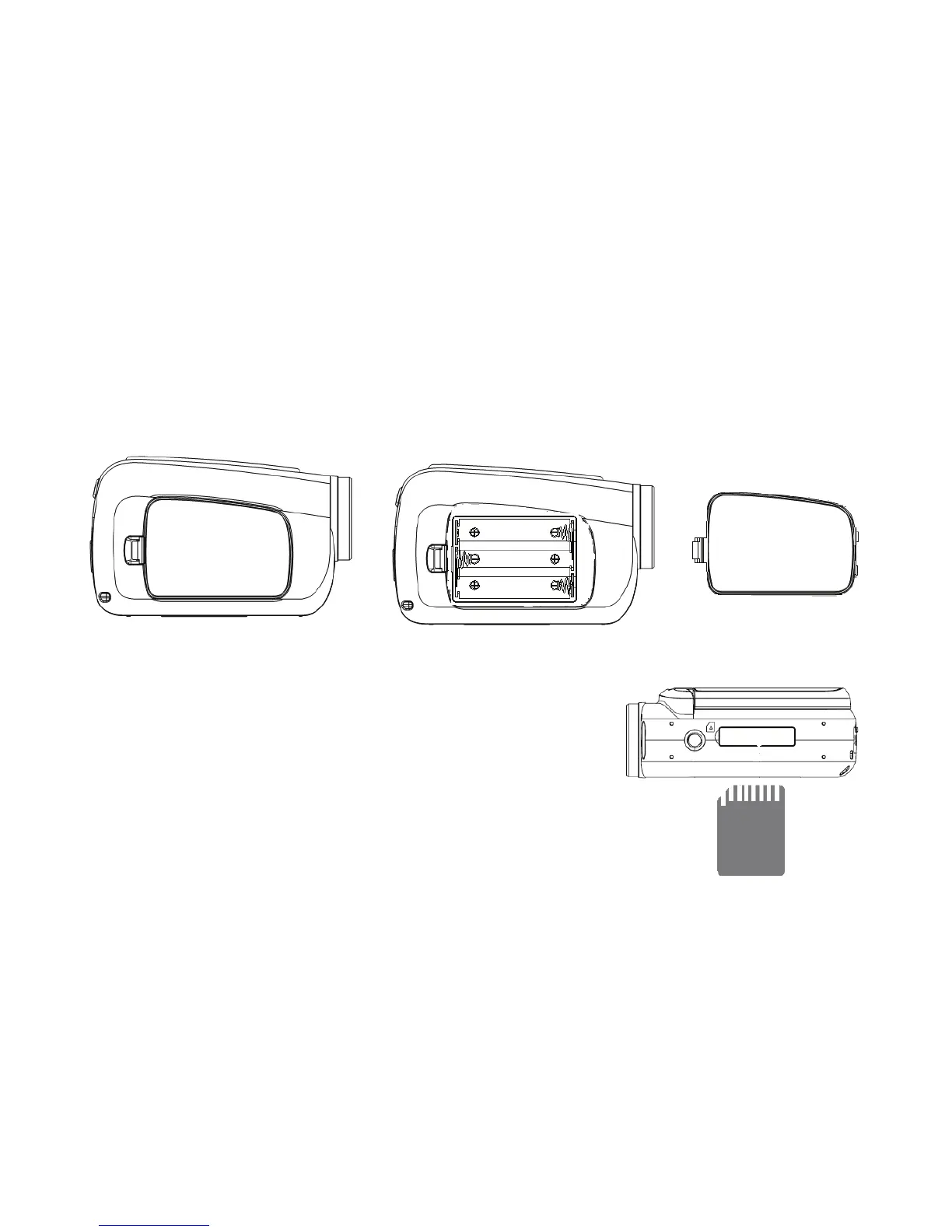
2.1 Battery
1: Open the video camera battery door.
2: Insert 3 AAA batteries according to the positive (+) and negative (-)
poles indicated on the battery cover.
3: Close the battery door.
2.2 Insert the memory card
Turn off the video camera before inserting or
removing the memory card. Insert the memory
card in the card slot carefully. Check the right
direction before inserting the memory card.
Never try to force the memory card into the
slot when you feel resistance. The memory card has a write protect switch,
which is used to protect data from accidental deletion. Therefore, whenever
you want to record, format or delete files in the SD card, disable the write



 To Next Page