3
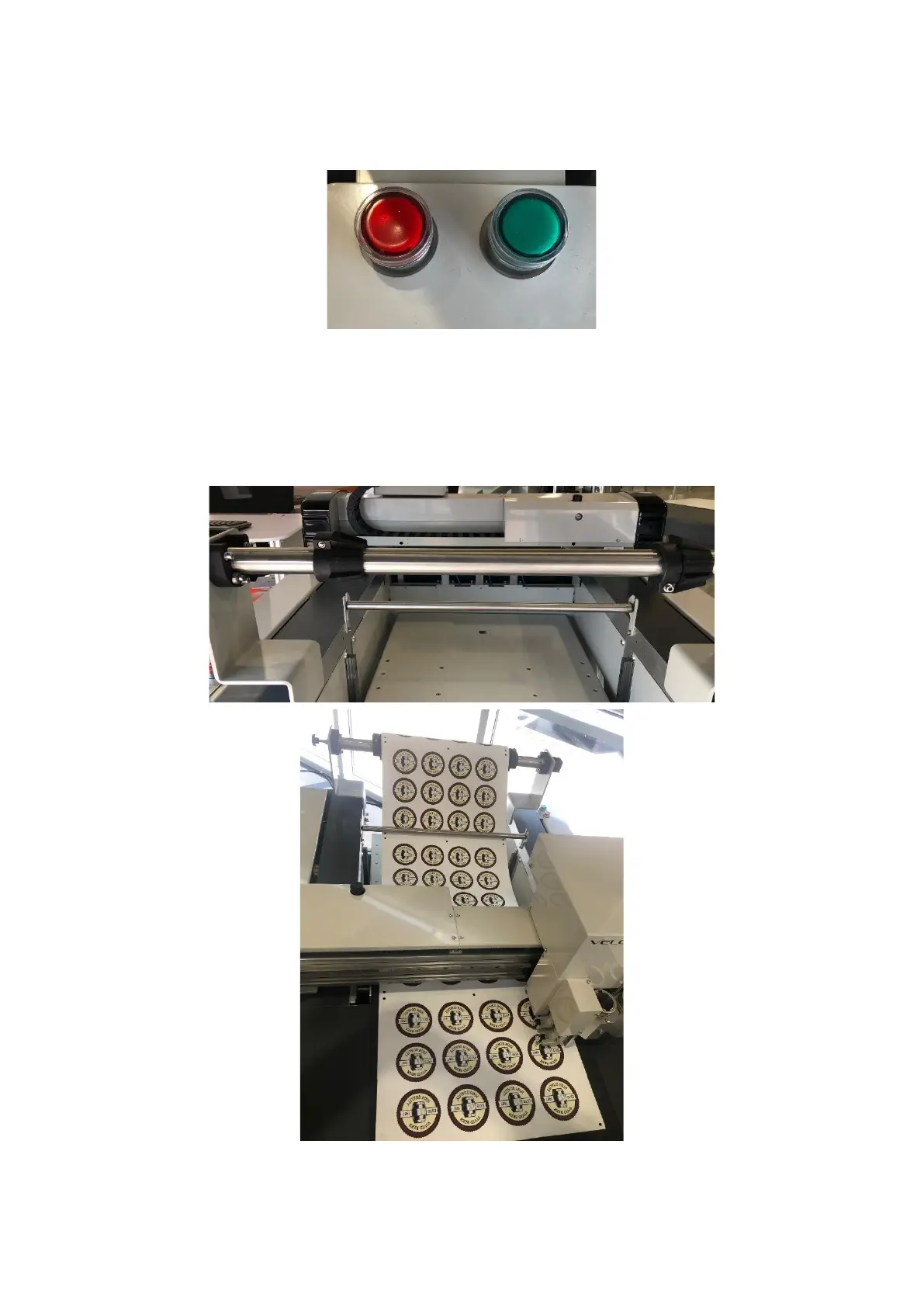
Once the material is loaded into the feeder press the green button and feed
table will move into position and the lights will illuminate [Figure 1.4].
If you require a roll of material cutting, remove all media from the feed table,
load the material onto the mandrel, put in the mandrel brackets and place the
idle bar in position [Figure 1.5]. Now thread the material around the idle bar
and place onto the cutting bed [Figure 1.6].


 To Next Page