2
1.Machine set up
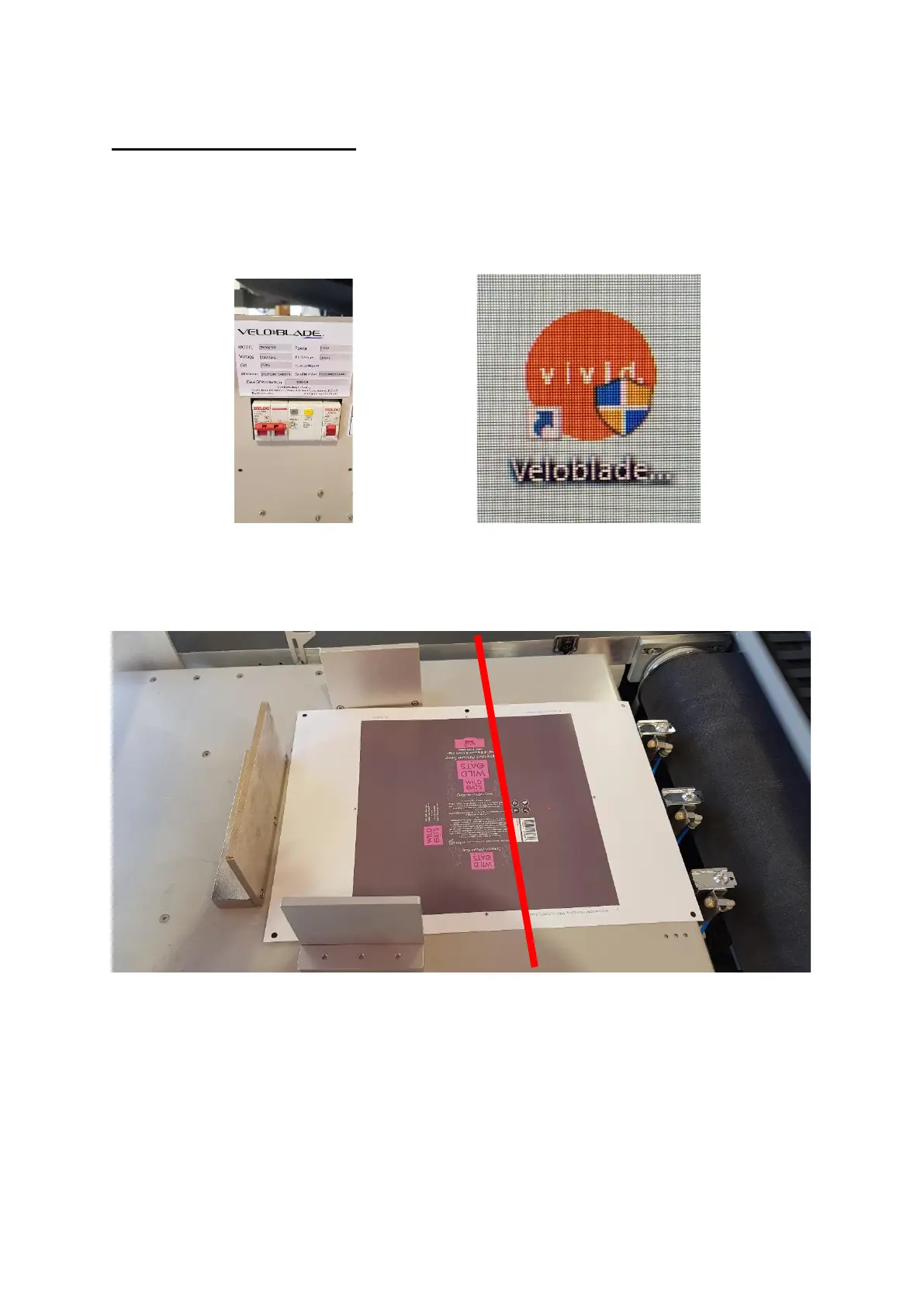
Power on the machine, ensure all switches are in the up position [figure 1.1]
Open the Veloblade software [figure 1.2]
If the feeder is needed please load the media onto the feed table. [figure 1.3]
Ensure the media has movement and the magnetic back stop and side lays are
not too tight. The position of the magnetic sides are important., these cannot
be past the red line shown in figure 3. The red line represents where the
movement of the feed head moves to pick up a sheet.


 To Next Page