9
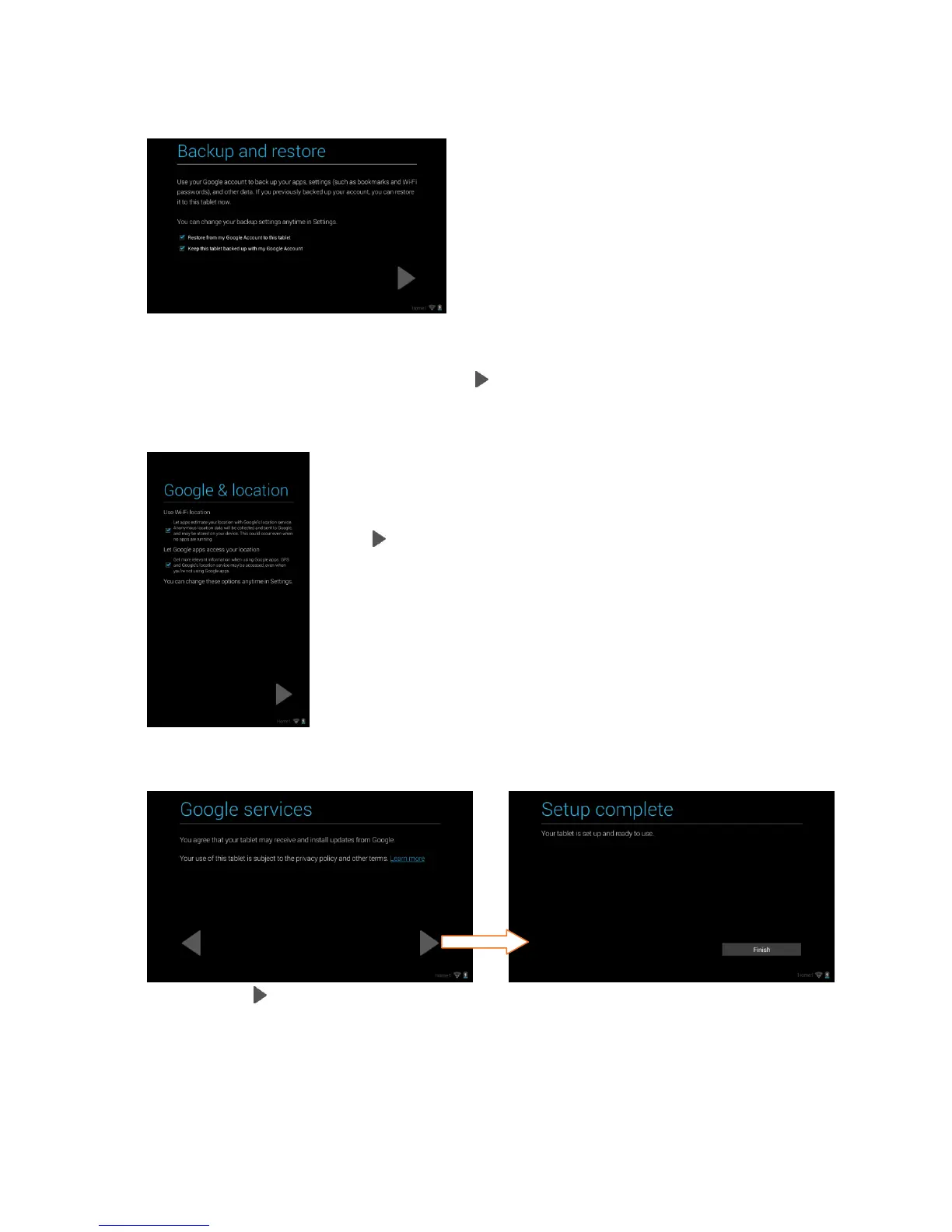
8. Backup and restore:
You can back up your data, apps and your settings with your Google Account.
Touch the appropriate box to check off and select the desired restore and
backup options and then touch Next to continue.
9. Google & location:
Touch the appropriate box to check off and select the
desired Google location service options and then touch
Next to continue.
10. Google Services / Setup Complete:
Touch Next to agree to Google updates. Then touch Finish to complete the
new Google Account Setup.



 To Next Page