27
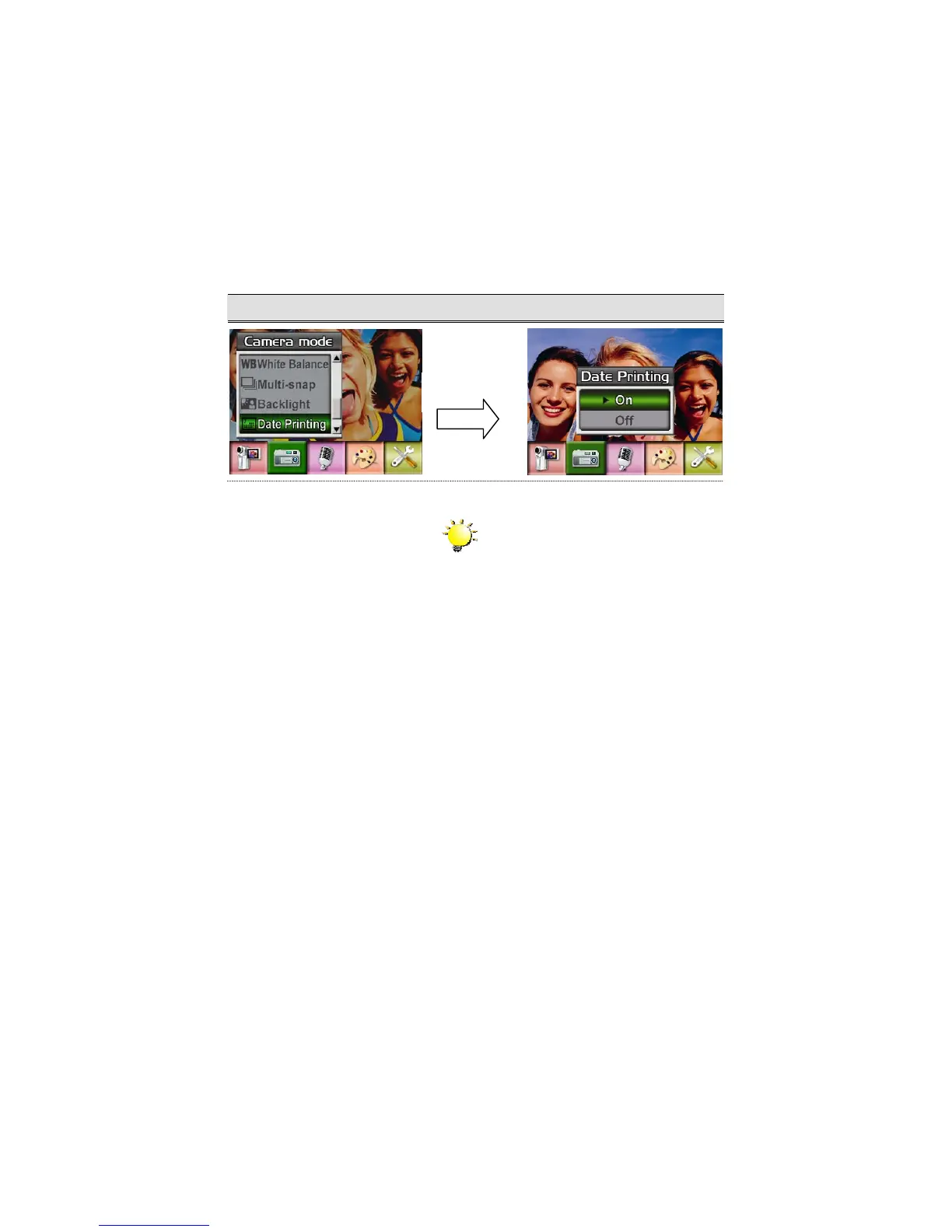
Date Printing
To enable Date Printing:
1. When in Camera Mode, use Up/Down Buttons to select Date Printing, then press Enter
Buttons to switch to Date Printing submenu.
2. Use Up/Down Buttons to choose On or Off.
3. Press Enter Button to validate the setting and exit.
Display Screen Date Printing Option
Note
Date would be shown on the printed picture
once date printing is enabled.
Enter Button



 To Next Page