Navigating the Menus
You camcorder includes the following menus:
Home Menus
Camcorder Mode Menus
Camcorder Setup Menus
HOME MENUS
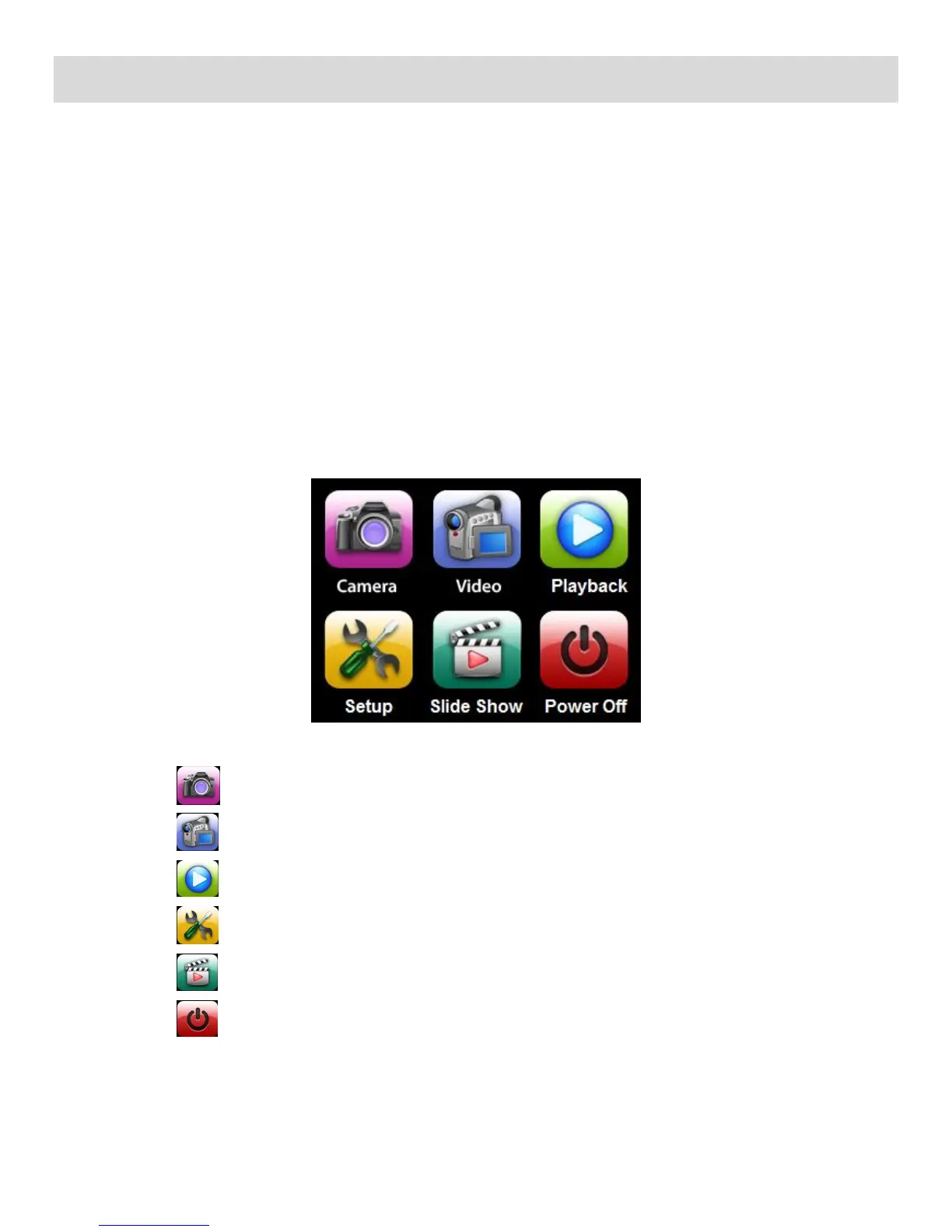
The Home screen menu allows you quick access to the camcorder modes and settings as well as to
the photo slide show and the power off features.
1) Press the HOME button located on the left side of the LCD touch screen.
2) The following menu options appear on the Home screen:
Tap to enter Photo Capture Mode
Tap to enter Video Capture Mode
Tap to enter Playback Mode
Tap to enter Camcorder General Settings
Tap to begin Photo Slide Show
Tap to Power off your digital camcorder



 To Next Page