Camcorder Setup Menus
The general settings for your digital camcorder can easily be changed at any time.
To enter the Camcorder Setup Menus:
1) Press the HOME button to the left of the LCD touch screen to open the Home screen options.
2) Tap the Setup icon to enter the Main Menu options for your camcorder general settings.
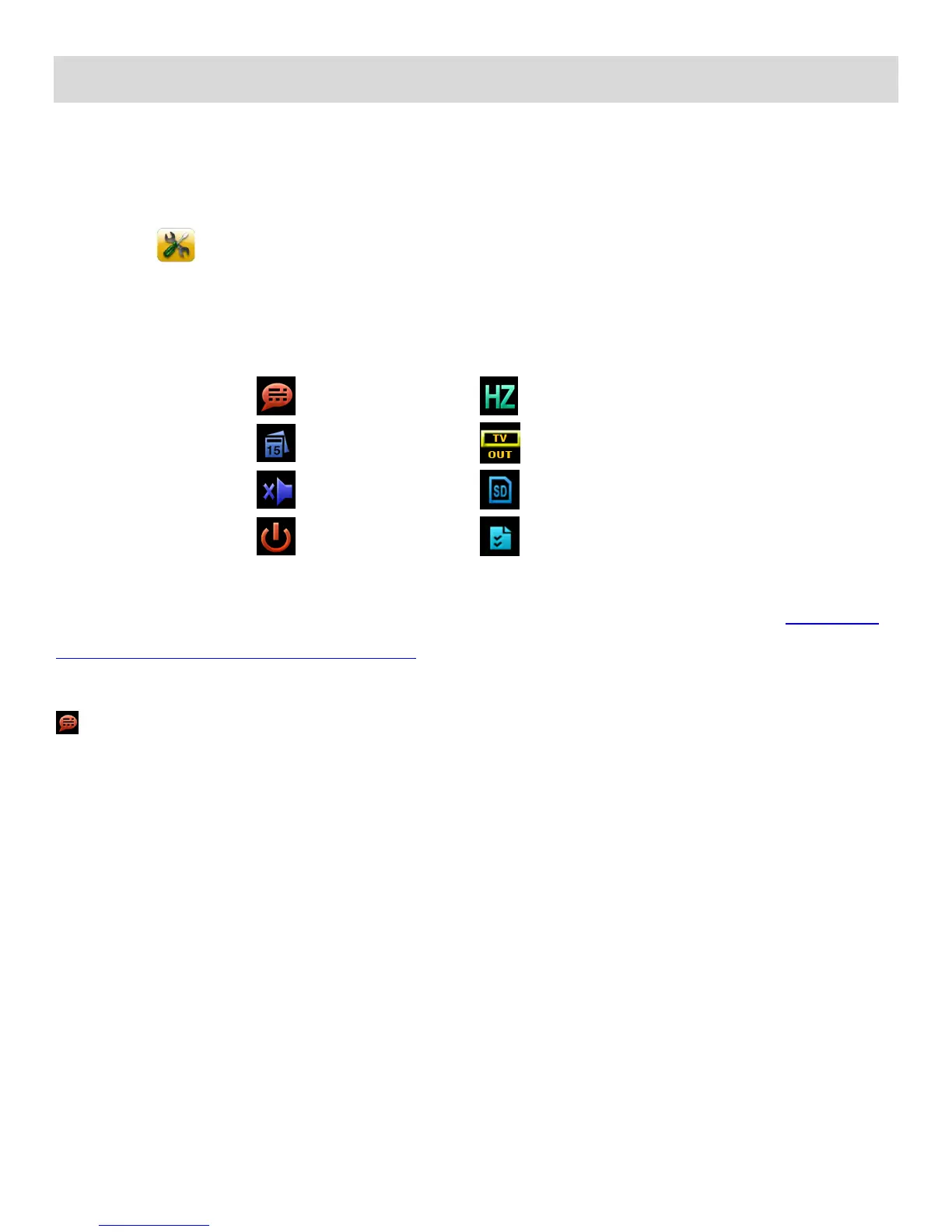
The following are the menus that appear in the Camcorder Setup Menus:
REMINDER: For details how to access and select the menu options, please refer to the ‘Navigating
the Menus: CAMCORDER SETUP MENUS’ section of the user manual.
Language Menu
You can select your camcorder’s language setting by selecting the desired language from the
Language menu.
The Language Menu Options include:



 To Next Page