VIDEO CAPTURE MODE: MENUS
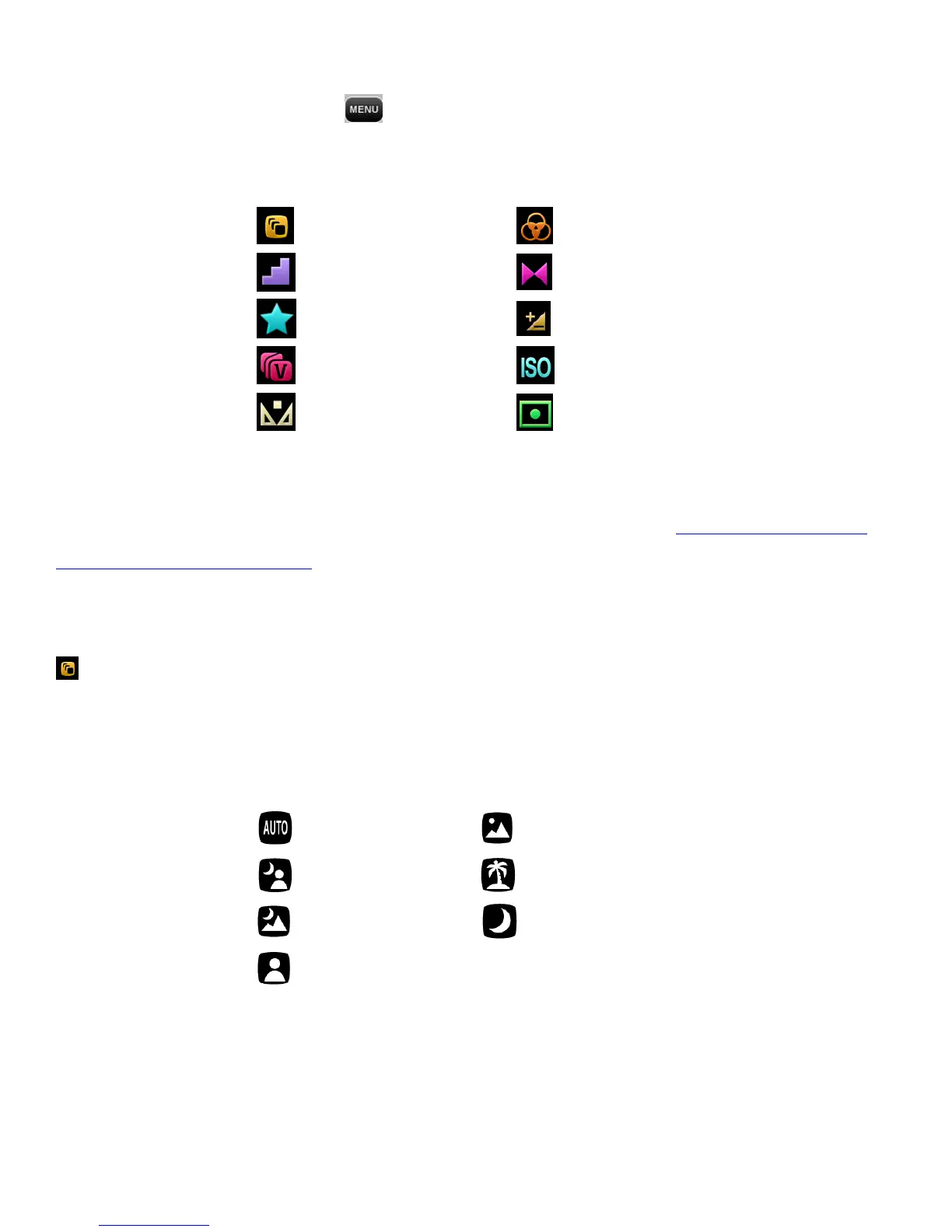
While in Video Capture Mode, tap MENU to view the following Video Capture Mode Menu
options:
REMINDER:
For details how to access and select the menu options, please refer to the ‘Navigating the Menus:
CAMCORDER MODE MENUS’ section of the user manual.
Scene Menu
The Scene Menu allows you to choose scene settings that let your camcorder to adapt properly to your
current environment.
The Scene Menu Options include:
Note:
QUICK FUNCTION: The selected Scene menu icon appears on the left side of the LCD screen (below
the Video Capture Mode icon) during preview/stand-by mode. To quickly access the Scene Menu
options and change as desired, simply tap this icon.



 To Next Page