Record Mode: Record Indicator
Displays the elapsed time as the video is being
recorded and a blinking REC icon appears. Note
that Standby icons do not appear while recording
is in progress.
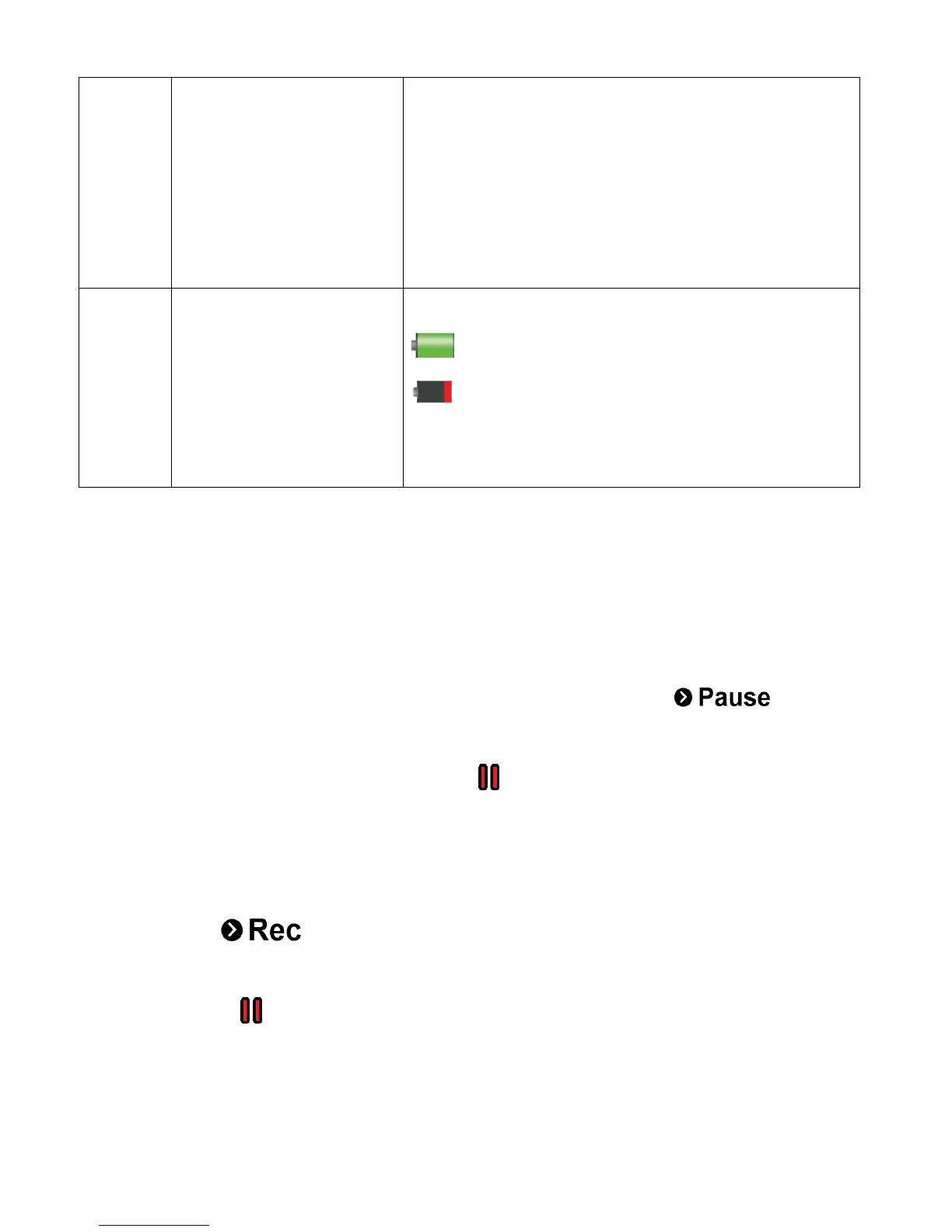
Displays the current status of the battery level.
The battery level is full.
The battery level is empty. Indication to
recharge the battery. ‘Low battery’ will flash on
the LCD screen when the battery level is low.
PAUSE RECORDING / RESUME RECORDING SCREEN ICONS:
While capturing a video you can pause the recording and then resume recording (except for 4K
Movie Size).
PAUSE RECORDING ICONS:
The following icon appears at the bottom of the LCD while recording:
Press the DOWN (Wifi) button to pause the video capture. While the video is paused, the
record icon REC changes to the pause icon indicating that the video capture has been
paused.
RESUME RECORDING ICONS:
The following icon appears at the bottom of the LCD screen while the video recording has
been paused:
Press the DOWN (Wifi) button again to resume recording. The icon at the top then changes
from pause icon to the video record icon REC, indicating the video recording is in
progress.



 To Next Page