- Long tap the button of an added camera to open the following options:
Connect: Tap Connect to reconnect and to open the connected Action cam live mode.
Rename: Allows you to change the name of the camera displayed on the button.
Delete: Removes the selected camera from the list.
Cancel: Exits the menu and returns to the Home screen. NOTE: The Cancel option
appears on iOS devices only.
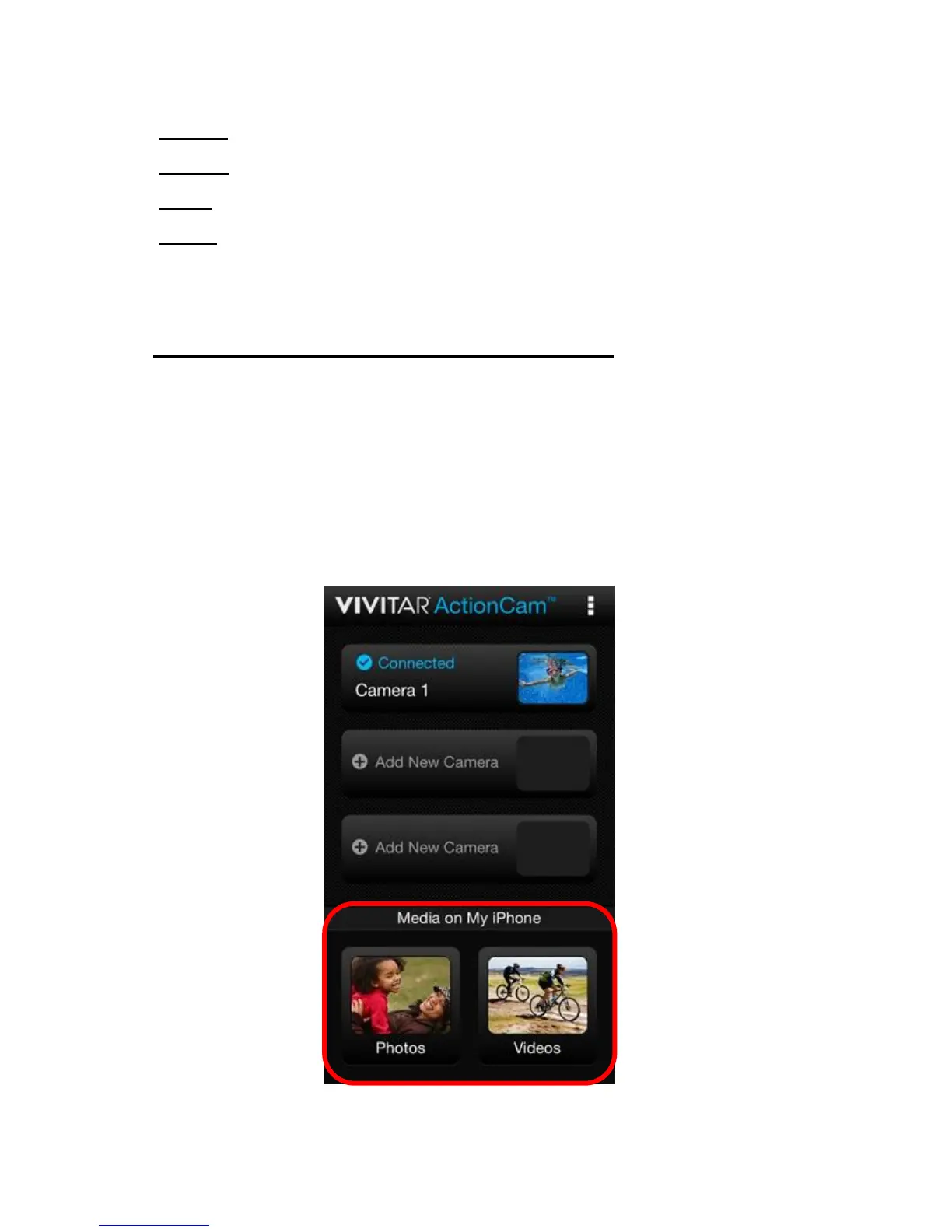
2. Mobile Device Media – ‘Media on My Phone’:
The bottom section of the Home Screen displays the photos and videos you have
already captured and saved on your smartphone or tablet.
- Tap Photos to open the ‘Photos’ section in the ‘Media on My Mobile Device’ screen
and view your photos from your mobile device.
- Tap Videos to open the ‘Videos’ section in the ‘Media on My Mobile Device’ screen
and view your videos from your mobile device.















 To Next Page